PR Card Online Payment 2026: A Complete Online Payment Receipt, Pay Application Fees Online to IRCC, CIC Fees Payment & Renewal Fee Guide
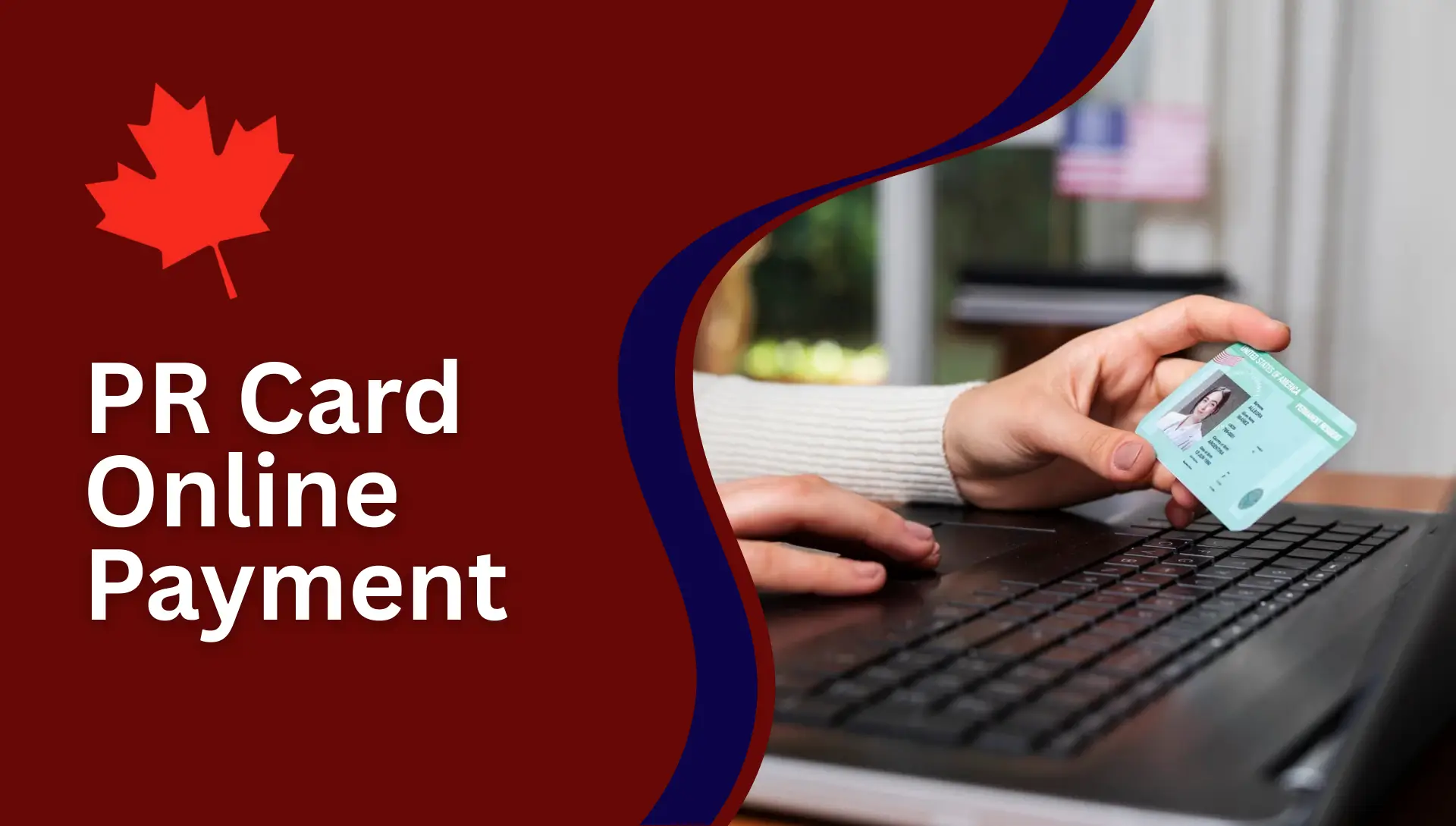
PR Card Online Payment. Paying your PR Card online payment is one of the most important steps for permanent residents. Many people face confusion while paying the fee, downloading the receipt, or attaching it to their application. Small mistakes can delay your PR card or even cause rejection.
In this detailed guide, I will explain PR card online payment, PR card online payment receipt, IRCC fee payment, CIC fees payment online, and PR card renewal fee payment in very simple words.
This article is written for first-time applicants, PR card renewals, and people whose PR card is lost, expired, or stolen.
What Is a PR Card and Why the Online Payment Matters
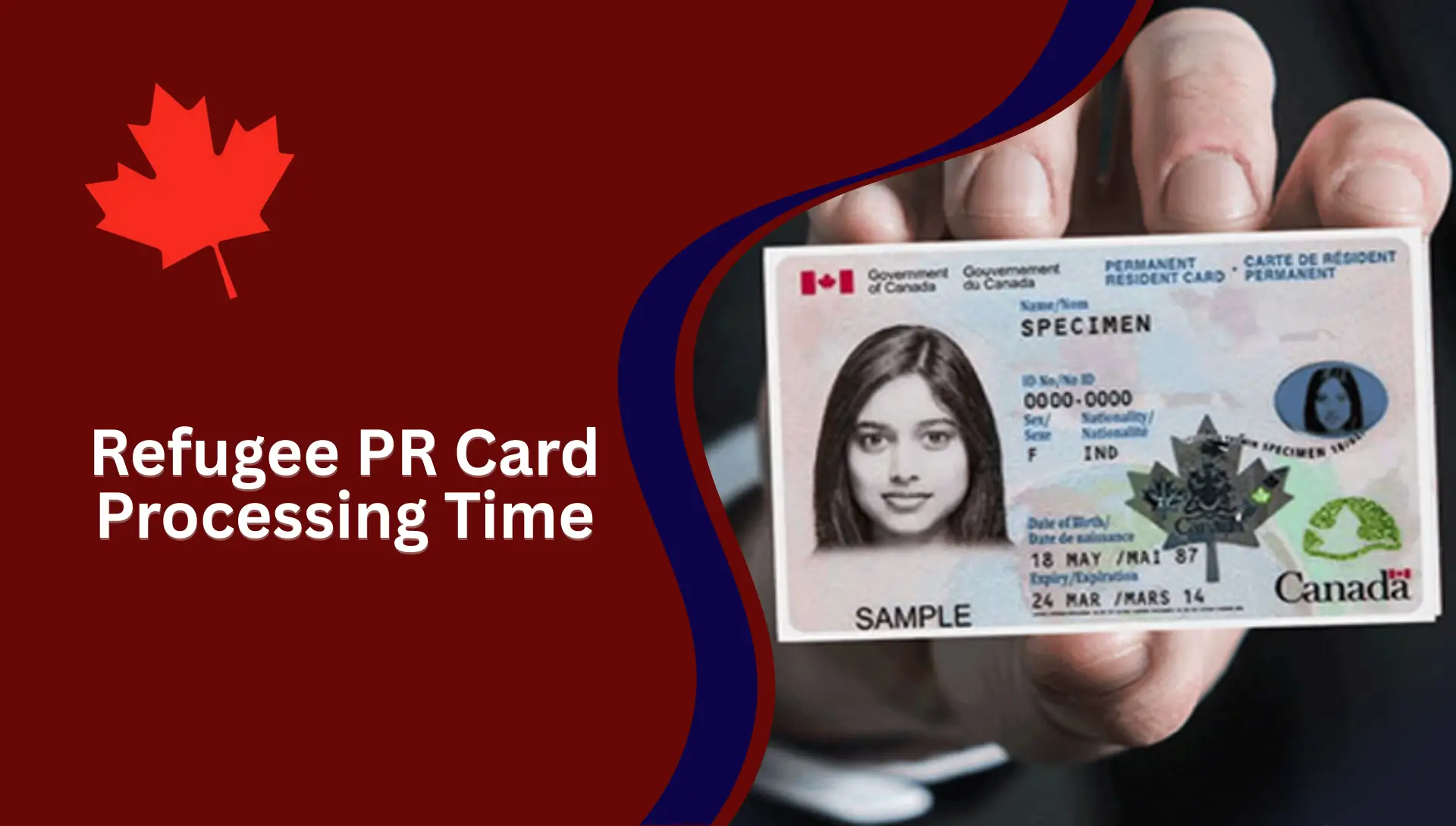
A Permanent Resident (PR) Card is official proof that you are a permanent resident of Canada. You need this card to:
- Re-enter Canada by plane, train, or bus
- Prove your PR status
- Access many government and private services
Without a valid PR card, traveling back to Canada becomes difficult.
The Canadian government now allows only online payment for PR cards. No cash, no bank draft, and no offline payment is accepted.
This makes PR card online payment a required step for every applicant.
Important Rule About PR Card Delivery
One very important rule many people ignore:
Your PR card can only be delivered to an address in Canada.
If you are outside Canada and:
You cannot receive a PR card outside Canada.
In this case, you must apply for a Permanent Resident Travel Document (PRTD) to return to Canada.
PR Card Fees: Updated Official Charges
Here are the official fees you must know before paying online.
Permanent Resident Card Fee
- Fee: 50 Canadian Dollars
- Currency: CAD
- Payment Method: Online only
Permanent Resident Travel Document Fee
- Fee: 50 Canadian Dollars
- Currency: CAD
- Payment Method: Online only
These fees are fixed by the Canadian government.
How Do I Pay the Fee for My PR Card?
This is very important.
- You must pay your PR card fee online only.
- No cash, bank draft, or cheque is accepted.
After payment, you must:
- Print the receipt
- Attach it with your paper application
- Or upload it in your online application
Missing receipt = application delay

How to Pay PR Card Fees Online (Official Website)
All PR card payments are made through the official IRCC online payment system.
This payment system is separate from:
- GCKey account
- PR application portal
- Express Entry account
It is only for fee payment.
Step 1: Get Your Payment Card Ready
Before starting payment, keep your card ready.
Accepted Cards
You can pay using:
- Credit card
- Debit card
- Prepaid card
The card does NOT need to be in your name.
The cardholder’s name will appear on the receipt, but it does not need to match your application name.
This is helpful if:
- A family member is paying
- An employer is paying
- A friend is helping you
Step 2: Pay Fees Online to IRCC (CIC)
This step is where most people make mistakes. Follow carefully.
Select Your Application Type
On the payment page:
- Choose your application category
- Select Permanent Resident Card or PR Travel Document
- Enter the quantity (usually 1)
If you are not sure which fee to pay, there is a question guide that helps you choose.

Create or Log In to Payment Account
To continue payment, you must:
- Sign in OR
- Create a new payment account
Important Notes
- You need a valid email address
- This account is only for payments
- It is NOT your PR application account
After login, enter your card details and confirm payment.
Step 3: Save and Download PR Card Online Payment Receipt
Once payment is successful:
- A receipt appears on the screen
- A copy is sent to your email
What You Must Do Next
- Download the receipt
- Save it as PDF
- Print a copy
You will need this receipt for your application.
How to Save the PR Card Online Payment Receipt?
After successful payment:
- You will receive a receipt by email
- You can also view all receipts inside your payment account
This receipt is very important.
What to Do With the Receipt
- Download the receipt
- Print a copy
- Save a digital copy
You must include this receipt with your PR card application.
How to Pay PR Card Fees for Online Applications
If you apply online, payment depends on the application type.
Pay Directly Inside the Application
For some applications, payment happens before submission, such as:
- Temporary resident visa
- Study permit
- Work permit
- eTA
In these cases, you pay during the application process.
Attach Receipt to Online Application
For PR card and many other applications:
- Pay fees using the online payment service
- Download the receipt
- Upload the receipt in your application
Always follow the upload instructions carefully.
How to Pay PR Card Fees for Paper Applications
If you apply on paper, online payment is still required.
Step-by-Step for Paper Applications

- Select your fee category
- Enter fee quantity
- Click Login and Pay
- Complete payment
- Print your receipt
On the back of the receipt:
- Write your Application Number or UCI
- If you don’t have them, write your full name and address
Include a copy of the receipt inside your application package.
What You Should Know About PR Card Renewal Fee Payment
PR card renewal uses the same online payment system.
Important points:
- Renewal fee is 50 CAD
- Payment must be made online
- Receipt must be included with the renewal application
Never send an application without a receipt.
CIC Fees Payment Online: Same as IRCC?
Yes.
- CIC (Citizenship and Immigration Canada) is the old name.
- IRCC (Immigration, Refugees and Citizenship Canada) is the current name.
Both refer to the same department.
So:
- CIC fees payment online
- IRCC fees payment online
Both mean the same official payment system.
Common Mistakes During PR Card Online Payment
Many applications are delayed due to small errors.
Avoid these mistakes:
- Paying the wrong fee
- Forgetting to attach the receipt
- Entering incorrect quantity
- Using expired cards
- Uploading unclear receipt copies
Always double-check before submission.
What If You Are Outside Canada Without a PR Card
If you are outside Canada and do not have a valid PR card:
You must apply for a Permanent Resident Travel Document (PRTD).
The fee is:
- 50 CAD
- Paid online
- Receipt included with the application
Once approved, you can travel back to Canada and then apply for a PR card.
Difference Between Canada PR Card Fee and US Green Card Fee
Many people confuse Canada PR card payment with US Green Card payment.
These are two different systems.
Canada PR Card (IRCC)
- Fee: 50 CAD
- Paid through IRCC online system
- Receipt attached to application
US Green Card (USCIS)
- Fee paid through USCIS ELIS
- Called USCIS Immigrant Fee
- Paid after receiving immigrant visa
- Green Card is issued only after fee payment
Always make sure you are paying on the correct government website.
Is Online PR Card Payment Safe?
Yes. The IRCC payment system is secure.
Tips for safety:
- Use a secure internet connection
- Do not share card details
- Keep your receipt safe
- Log out after payment
How Long Does PR Card Fee Payment Take to Reflect?
Payment is processed immediately.
- Receipt is generated instantly
- Email confirmation is usually sent within minutes
If email is delayed, check:
- Spam folder
- Payment account dashboard
Can Someone Else Pay My PR Card Fee?
Yes. Someone else can pay for you.

Important rules:
- Cardholder name can be different
- Receipt is still valid
- Application name does not need to match card name
This is allowed by IRCC.
What Happens After Paying PR Card Fee
After payment:
- Attach receipt to application
- Submit application
- IRCC reviews the application
- PR card is processed
- Card is delivered to Canadian address
Processing time depends on workload.
Tips to Avoid PR Card Payment Issues
Based on real cases, follow these tips.
- Use your own email for payment
- Save receipt in cloud and phone
- Double-check fee before payment
- Print two copies of receipt
- Write UCI clearly on printed receipt
Small care saves months of delay.
FAQs
Can I pay PR card fees offline?
No. Only online payment is accepted.
Is PR card fee refundable?
No. Once paid, fees are non-refundable.
Can I use a debit card from another country?
Yes, if it is accepted by IRCC payment system.
What if I lose my payment receipt?
You can download it again from your payment account.
Can I submit application before paying fees?
No. Application without payment receipt is incomplete.
Conclusion
PR card online payment is a simple process when done correctly. The key is to follow each step carefully, pay the correct fee, and always attach your receipt.
Whether you are applying for a new PR card, renewal, or travel document, online payment through IRCC is mandatory.