Address Change PR Card 2027: How to Change PR Card Address Online in Canada (A Complete IRCC Webform, Portal Update, Contact Number Guide)
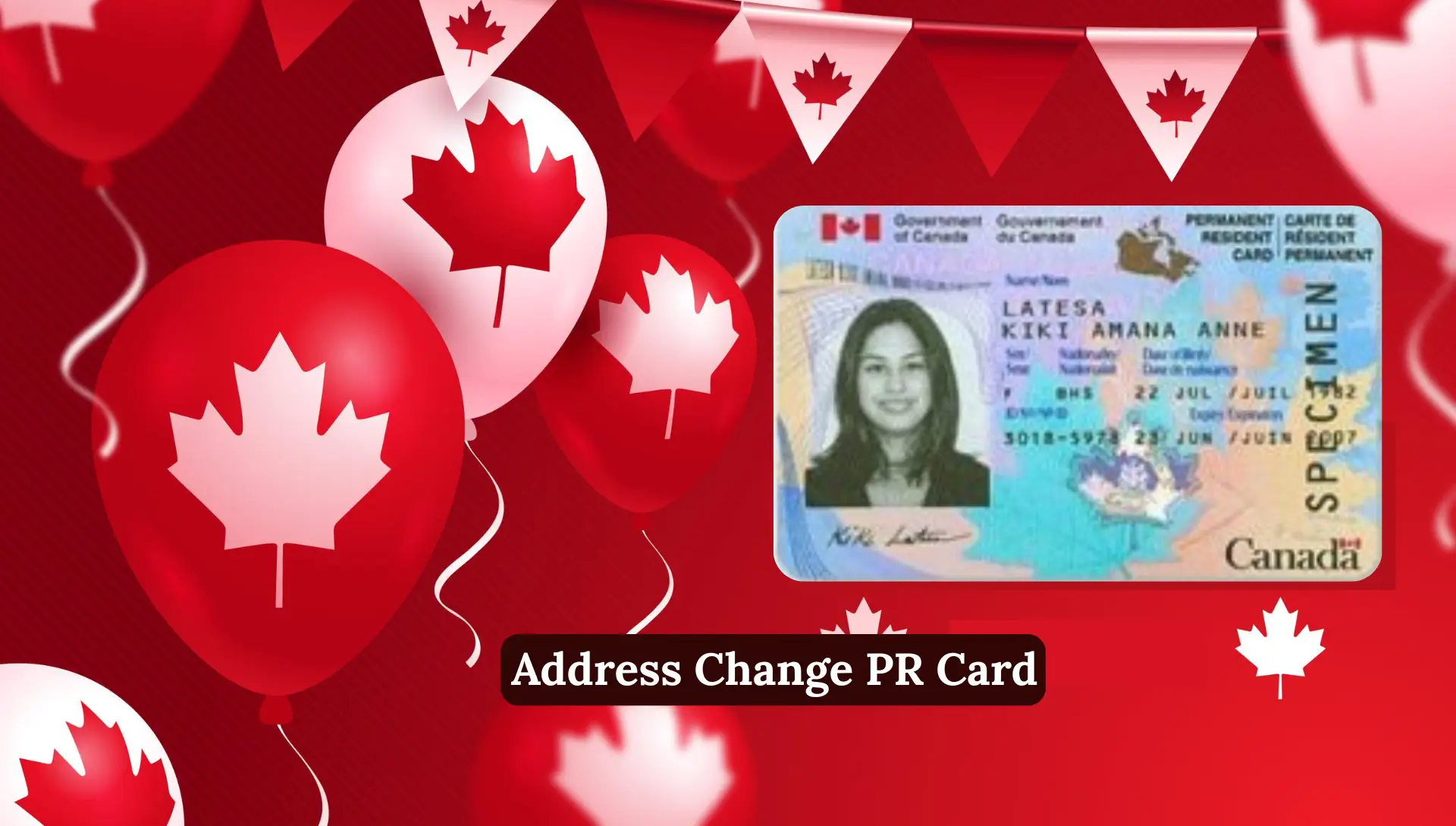
Address Change PR Card. Changing your address in Canada looks simple, but when it comes to immigration files like PR card, citizenship, or sponsorship, even a small mistake can delay your application for weeks. IRCC must always have your updated address because your PR card, citizenship letters, biometrics notices, and other important documents are delivered to the mailing address you provide.
If IRCC doesn’t receive your new address on time, your PR card may be delayed, lost, or your application may even be refused. That’s why address updates are a big responsibility for every newcomer, visitor, or permanent resident.
This complete guide explains how to change your address for PR card delivery, when to use the IRCC address change service, when the webform is required and the correct method to update your contact information inside and outside Canada.
Why Address Change for PR Card Matters
IRCC sends your PR card to the mailing address you provide. If you move and IRCC does not know your new address, these problems can happen:
- Your PR card may be delayed
- Your PR card may be lost
- Your application may be refused or abandoned
- Important IRCC letters may never reach you
That is why IRCC always recommends updating your address immediately after moving.
Do I Need to Change My Address on PR Card?
Yes, you must update your address if:
- You moved to a new home in Canada
- You recently landed and didn’t submit your address at landing
- You applied for a PR card renewal or replacement
- IRCC asked you for updated contact details
- Your application is still in progress
Failing to update your address can cause:
- PR card delivery delays
- PR card returned to IRCC
- Lost documents
- Application refusal
- Case abandonment
IRCC clearly states: If your address changes, you must notify IRCC immediately.
How to Change Address for PR Card Delivery in Canada
You can update your address through:
- IRCC Change of Address Online Service
- IRCC Webform (Case-Specific Enquiry)
- Contacting Canadian visa office (if outside Canada)
Which method you should use depends on your situation. Let’s break it down clearly.
When You Can Use IRCC’s Online Change of Address Service (For PR Card Applications)
This is the official online tool used by many newcomers. But not everyone is eligible to use it.
You can use this service if:
- You applied on paper
- Your case is being processed in Canada
- Your address is inside Canada
- You are moving within 3 weeks or have already moved
And your application must be one of the following:
- Permanent Resident Card (new, replacement, or renewal)
- Permanent Residence application
- Citizenship certificate (proof of citizenship)
- Renounce or resume citizenship
- Search of citizenship records
- Family class sponsorship
If your application is processed outside Canada
You cannot use this service. You must contact your Canadian visa office.
Update Time
IRCC says your change of address will appear in their system within 5 business days.
Documents Needed for PR Card Address Change
IRCC may ask for one or more of these documents:
- Copy of your PR application
- Fee receipt
- Any letter sent to you by IRCC
- Confirmation of Permanent Residence (COPR)
- Landing document
Always keep these documents ready before updating your address.
PR Card Address Change Using IRCC Service
Follow some of the below steps:
Step 1: Gather Your Documents
You may need:
- Copy of your PR card application
- IRCC fee receipt
- Any letter from IRCC
- UCI number
- Application number
Step 2: Submit Your New Address
Go to IRCC’s official change-of-address page.
Fill in:
- Old address
- New address
- Full name
- UCI
- Application number (if available)
Step 3: Wait for Confirmation
IRCC updates your address in 5 business days.
When You CANNOT Use the IRCC Address Change Service
If any of these apply to you, then you must use the IRCC Webform:
- You applied online (digital PR application)
- Your file is being processed outside Canada
- You live outside Canada
- You are an international student
- You are a foreign worker
- You have an immigration representative
- You recently landed and still need to submit address for PR card
- You moved after submitting a citizenship application abroad
In these cases, use the IRCC Webform.
How to Change Address in IRCC Portal (For Online / Digital Applicants)
If your PR application was submitted online, your address may already be inside your IRCC account.
To change address inside IRCC Secure Account:
- Log in to IRCC Portal
- Open your PR or citizenship application
- Go to Profile / Contact Information
- Update your mailing address
- Save and submit changes
Even after updating inside the portal, IRCC recommends also submitting a Webform so your address is recorded on both systems.
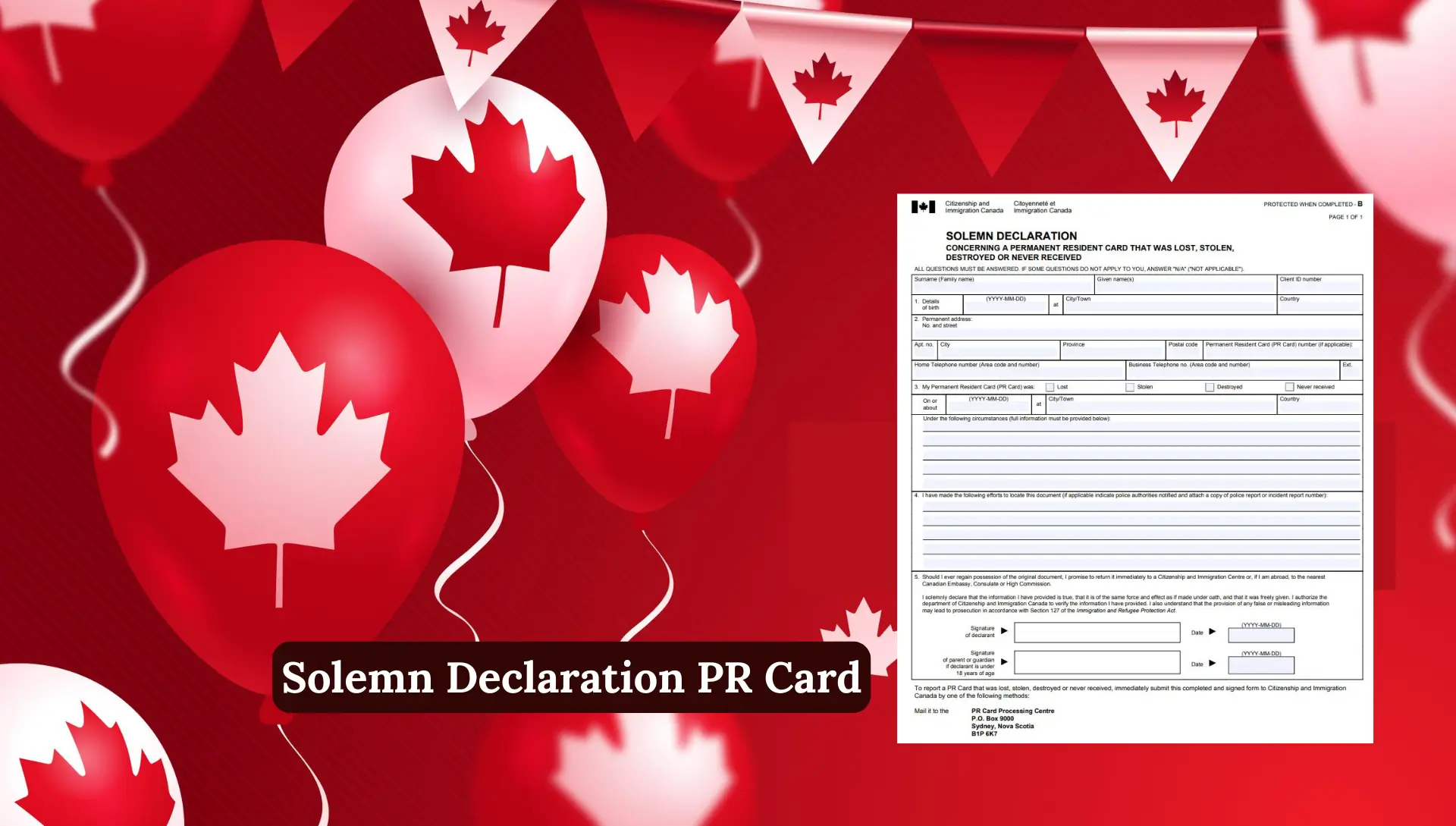
IRCC Webform – Change Address
The IRCC webform is the safest and most commonly used method for updating address information. You should use the webform if:
- You can’t use the change-of-address service
- You applied online
- You live outside Canada
- You moved after applying for citizenship abroad
- You are a student or worker
- You recently immigrated and need to submit PR card address
- Your PR card was returned to IRCC
Information you must include in Webform:
- Full name exactly as on passport
- UCI number
- Application number
- Old address
- New address
- Date you moved
- Phone number
- Explanation of why you are updating address
IRCC typically responds within 5–10 business days.
How to Use IRCC Webform to Change Address
Here are the steps:
Step 1: Open the IRCC Webform
Search “IRCC Webform” and open the official page.
Step 2: Select the Correct Application Type
Choose:
- Permanent Resident Card
- Permanent Residence
- Citizenship
- Temporary Residence (students/workers)
Step 3: Enter Personal Details
You will need:
- Full Name
- UCI Number
- Date of Birth
- Your new address
Step 4: Add Your Request Message
Example message:
“I recently moved to a new address. Please update my mailing address in your system for my PR card delivery.”
Step 5: Upload Supporting Documents (if needed)
Optional but helpful:
- PR application documents
- COPR
- Passport or ID
Step 6: Submit the Form
You will receive an automatic confirmation email.
If You Recently Landed in Canada (New PR Holders)
If you landed at a Canadian airport or border and did not provide your address for PR card delivery, you must give your address within 180 days.
You can submit your address using:
IRCC Address Notification Service (if eligible)
OR
IRCC Webform (most commonly used)
If you don’t send your address within the deadline, IRCC will cancel your PR card request, and you will need to submit a new PR card application + fee.
If You’re in the United States (Address Change Rules)
When living in the US, address change rules depend on the type of application.
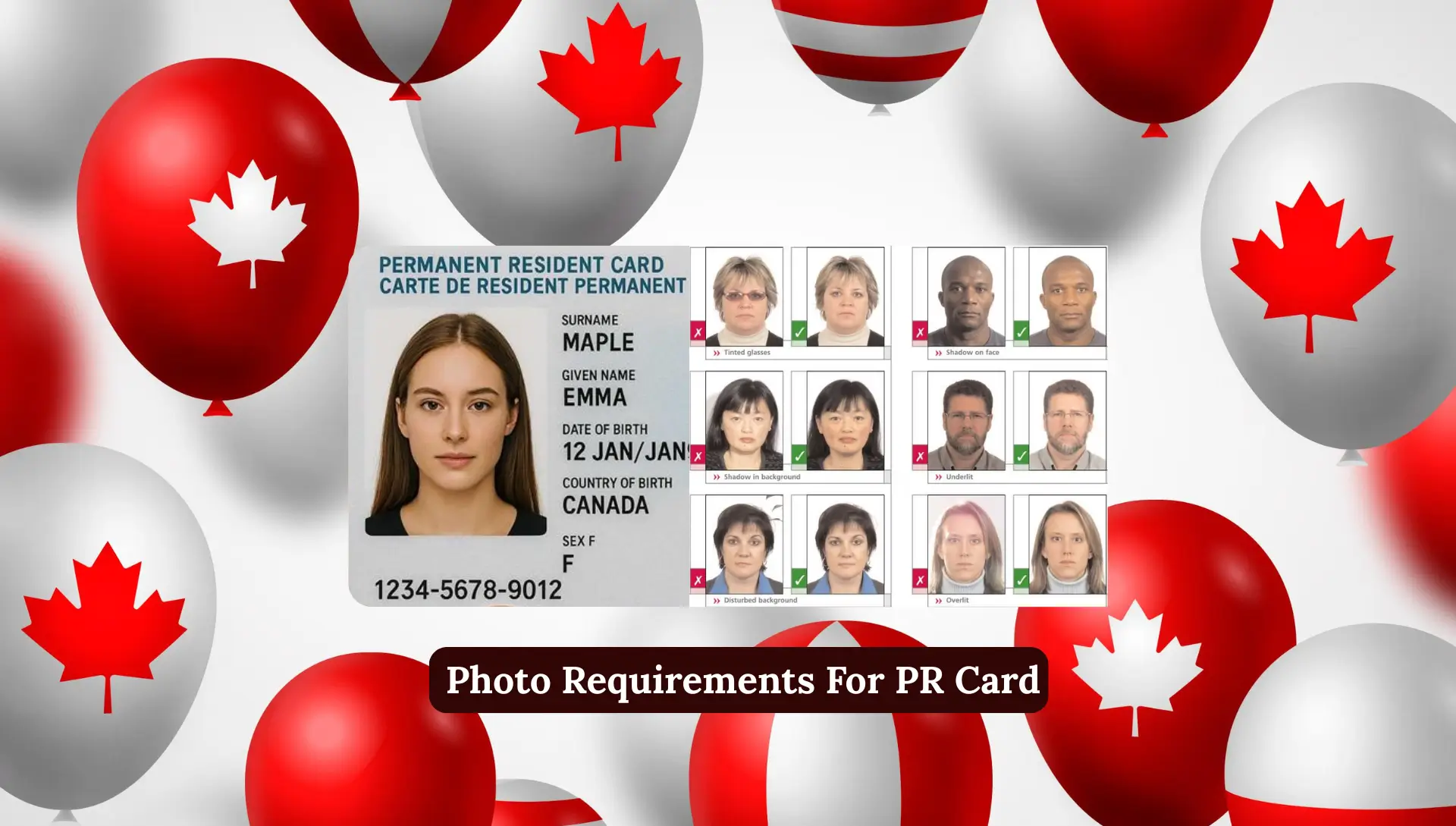
1. Immigration Application
You must contact the Canadian visa office responsible for your region.
2. Citizenship Application
Use the IRCC Webform to update address.
3. Refugee or Asylum Application
Send your new address to the Backlog Reduction Office in Vancouver, only if you applied for:
- Pre-removal risk assessment
- Humanitarian & compassionate PR
If You Are Outside Canada & USA (Important Rules)
1. Immigration Applications
Contact your nearest Canadian Visa Office.
2. Citizenship Applications
Depends on how you applied:
Online Application
Use the IRCC Webform.
Paper Application
Contact the same visa office where you submitted your file.
3. Refugee / PR based on H&C
Address update must be sent to the Backlog Reduction Office in Vancouver.
If You Recently Immigrated to Canada
If you landed in Canada and did not provide a local address at the airport, you must submit your address within 180 days using:
- Address Notification Service
- IRCC Webform
If you don’t submit it, IRCC will not mail your PR card.
If You Have a Representative or Lawyer
If you hired a representative (paid or unpaid):
- IRCC will use your representative’s mailing address
- You cannot change it from your IRCC portal
- You must ask your representative to update it
IRCC Change Address Contact Number (2027)
IRCC provides phone support only inside Canada.
IRCC Phone Number:
Hours:
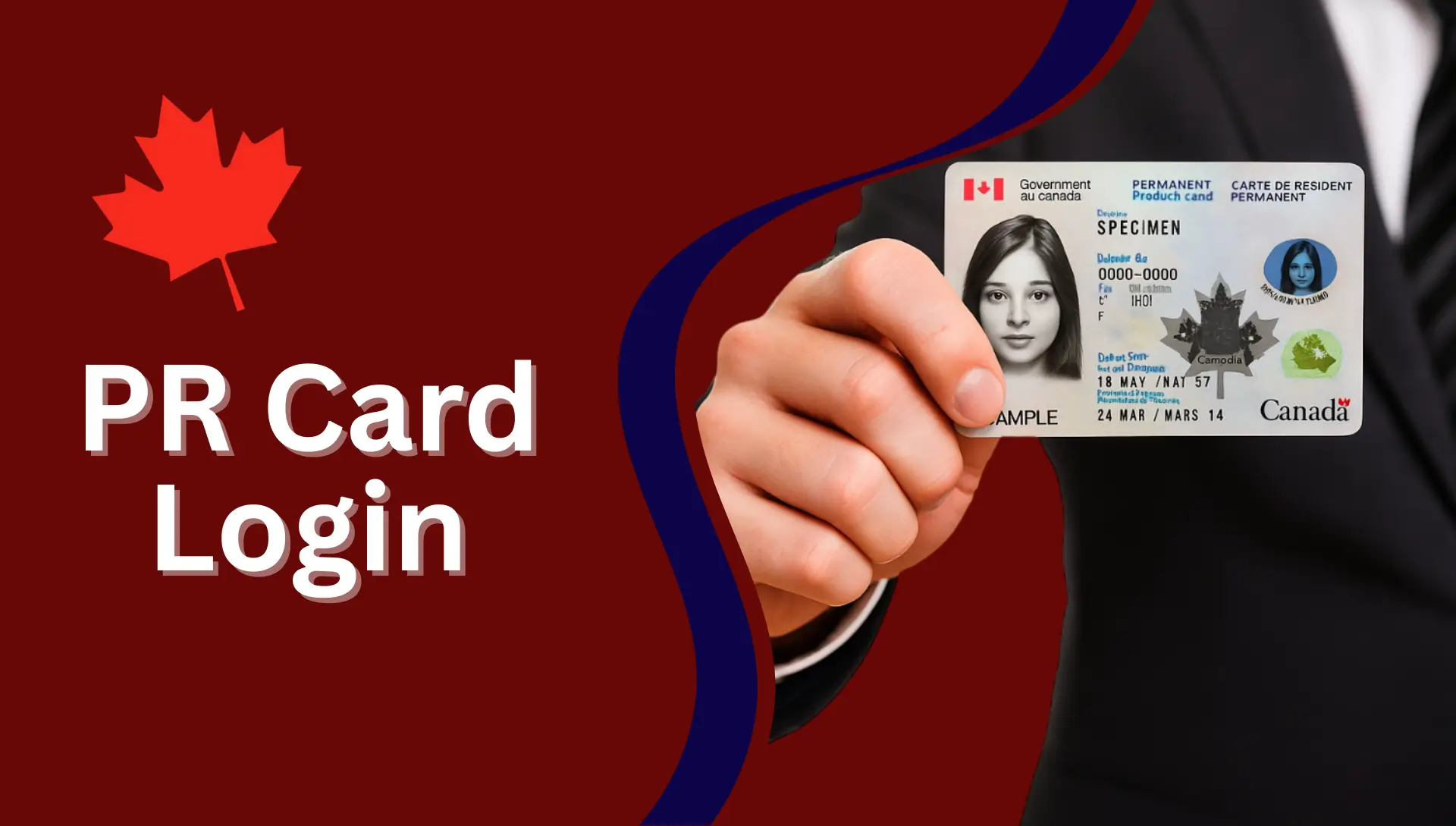
- Monday to Friday
- 8 a.m. to 4 p.m. (local time)
Outside Canada: You cannot call this number. You must use the:
- Webform
- Visa office contact
- IRCC portal messages
How Long Does IRCC Take to Update My Address?
Timelines differ based on method:
| Method | Update Time |
|---|---|
| IRCC Change of Address Online | 5 business days |
| IRCC Webform | 5–10 business days |
| Visa Office Outside Canada | 10–30 days |
| Address Update at Landing | Immediate |
What Happens If You Don’t Update Your Address?
Not updating your PR card mailing address can cause:
- PR card returned to IRCC
- Long delays (up to 8–10 weeks)
- Lost or misplaced documents
- Application refusal
- Abandonment of PR card application
IRCC clearly warns applicants:
“If we don’t have your correct address, important documents may be delayed or lost.”
Common Reasons Your PR Card Gets Returned to IRCC
- Wrong apartment number
- Missing buzzer code
- Wrong postal code
- You moved but didn’t update address
- Someone else received the card but returned it
If your PR card was returned:
- Submit a Webform
- Provide your correct address
- Request IRCC to re-mail your PR card
How to Avoid PR Card Delivery Issues
Follow these steps to avoid delays:
- Always update address before moving
- Add buzzer / unit number clearly
- Ensure your mailbox has your name
- Keep tracking PR card delivery timeline
- Inform IRCC immediately using Webform
Tips to Avoid PR Card Delivery Problems
- Always write full address including unit number
- Add correct postal code
- Make sure your mailbox has your name label
- Check tracking if IRCC sends via Canada Post
- Do not move again before receiving the card
Webform vs Change of Address Service: Which One Is Better?
| Feature | IRCC Webform | IRCC Change of Address Service |
|---|---|---|
| Eligibility | Everyone | Only paper applications in Canada |
| Speed | Fast (recommended) | 5 business days |
| Best For | PR card, PR, Citizenship | PR card & paper applications |
| Documents Needed | Optional | Required |
| Works Outside Canada? | Yes | No |
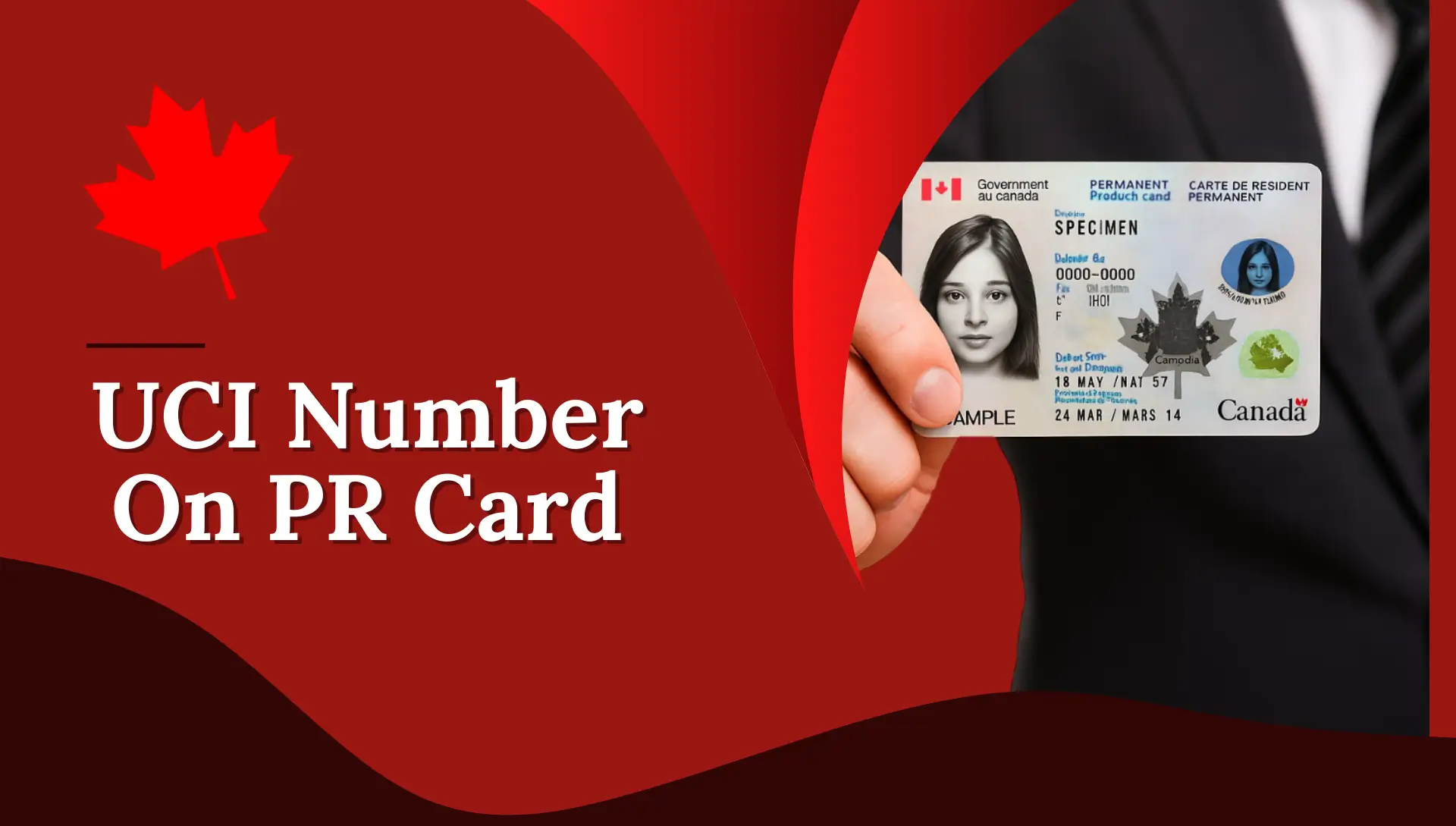
Example Message for IRCC Webform Step-by-Step
You can copy and paste this:
Subject: Request to Update Mailing Address for PR Card
Hello IRCC Team,
I recently moved to a new address. Please update my contact information and mailing address linked to my PR card application. My new address is:[Write your new address here]
My UCI: XXXXXXXX
Application Number: XXXXXXXThank you.
FAQs About PR Card Address Change
Do I need to change the address on my PR card?
Yes, if you moved or gave an incorrect address, you must update it immediately to avoid delays.
How do I change my PR card delivery address?
Use IRCC’s Change of Address service or the IRCC Webform depending on your eligibility.
What is the IRCC Webform?
A secure online tool used to update your address, submit questions, and send information to IRCC.
Can I update my address inside the IRCC Portal?
Yes, but you should also send a Webform to make sure both systems are updated.
How long does it take to update the address?
Usually 5–10 business days.
What if my PR card was returned to IRCC?
Submit a Webform with your correct address and request re-delivery.
Can I call IRCC from outside Canada?
No, IRCC’s phone number works only within Canada. Use the Webform instead.
I recently landed and didn’t give an address. What should I do?
Submit your mailing address through the IRCC Webform immediately.
Conclusion
Updating your address for your PR card or immigration file is essential to avoid delays, lost documents, or application refusal. IRCC requires accurate and current details at all times. Whether you apply inside or outside Canada, using the correct address update method ensures your PR card arrives safely and on time.