PR Card Status In Canada 2026: How To Check Your PR Card Application in Canada Guide

PR Card Status. If you’ve recently become a permanent resident of Canada, one of your first priorities will be to receive your Permanent Resident (PR) Card. This card is your proof of legal status in Canada and allows you to travel, work, and enjoy all the benefits of being a permanent resident.
But after landing, most new immigrants often ask the same question, how do I check my PR card status?
We will explain how to check PR Card status online, including how to track your application online, what documents you need, how to contact IRCC for updates and what to do if your application is delayed or marked “Decision Made.”.
What Is a PR Card?
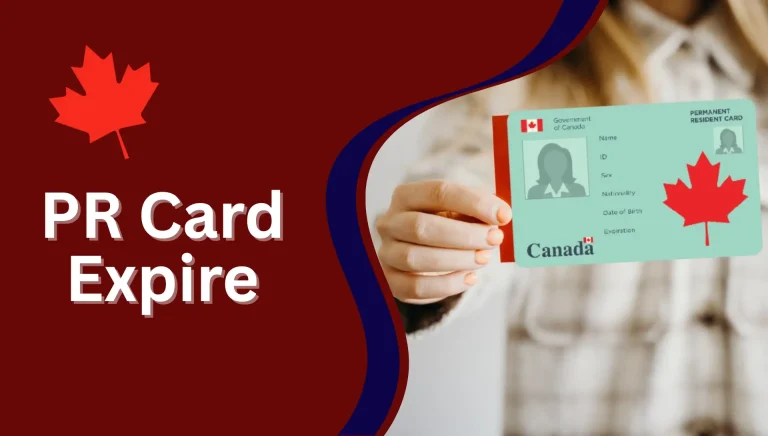
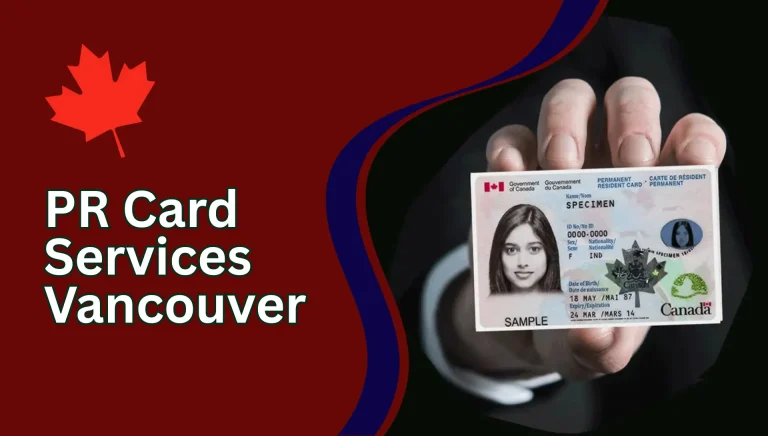
A Permanent Resident (PR) Card is an official ID issued by Immigration, Refugees and Citizenship Canada (IRCC). It proves that you are legally living in Canada as a permanent resident.
You’ll need your PR card when:
- You return to Canada by air, land, or sea.
- You apply for certain federal or provincial benefits.
- You renew or replace your PR card after it expires.
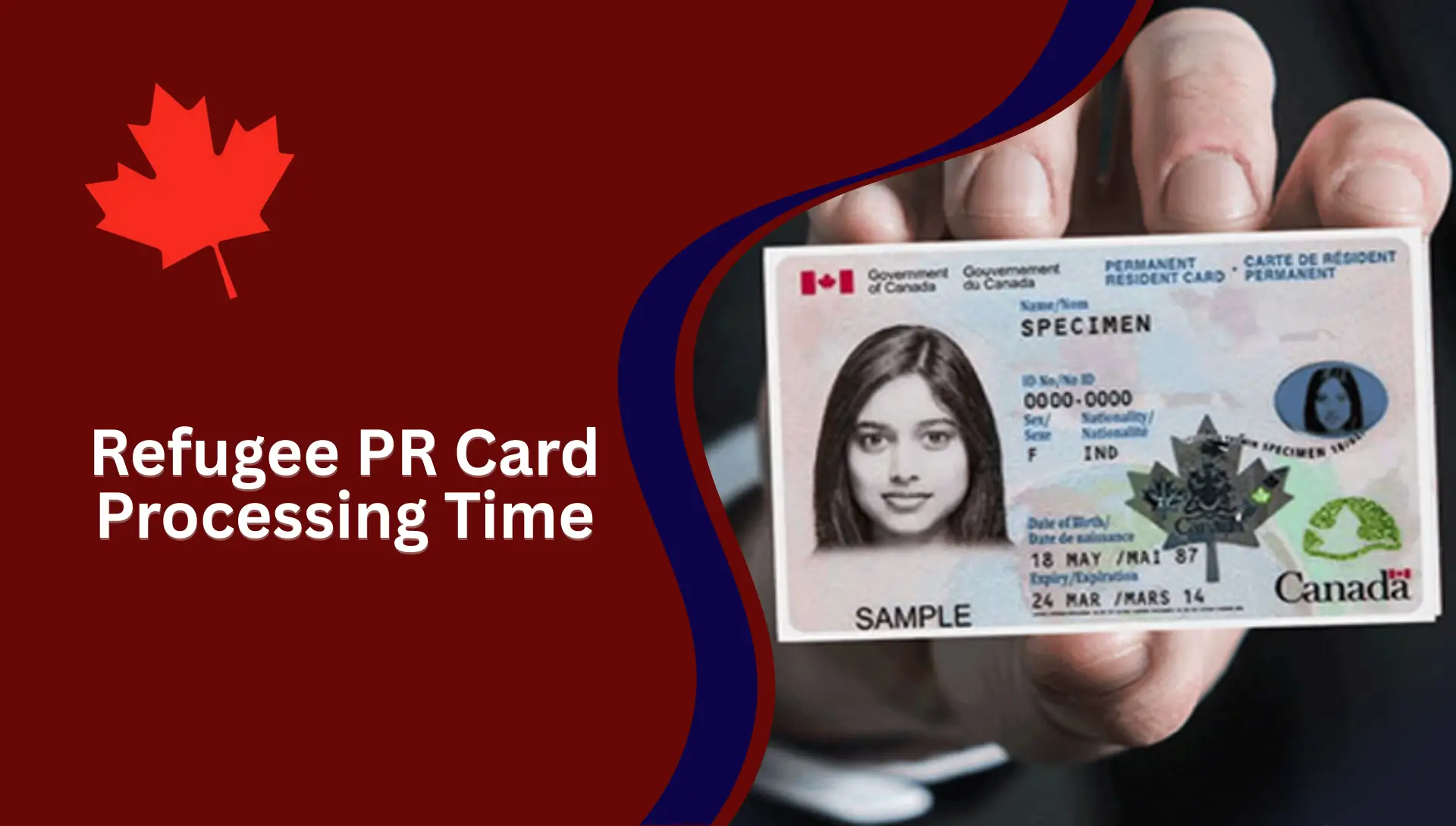
Your first PR card is usually sent automatically after you land as a new immigrant. However, it may take several weeks or even months depending on application volume and processing times.
Types of PR Card Status Checks
| Type of PR Card Status | Meaning |
|---|---|
| Application Received | IRCC has received your PR Card application and it’s under review. |
| In Process | The card is being verified or printed. |
| Decision Made | IRCC has approved or refused your application. |
| Approved – Mailed | Your PR Card has been dispatched to your address. |
| Pending Registration | Additional information or documentation is needed. |
Required Documents for PR Card Status Check
To check your PR Card application status, make sure you have these documents ready:
| Required Document | Details |
|---|---|
| UCI Number or Application Number | Found in your IRCC email or letter. |
| Client’s First and Last Name | Must match your application details. |
| Date of Birth | In YYYY-MM-DD format. |
| Place of Birth | As mentioned in your passport. |
How to Check PR Card Status Online (Official IRCC Website)
The IRCC website offers the most reliable and convenient way to check your PR card status.
Follow these simple steps to track your application online:
- Visit the official IRCC website
Go to the “Immigration, Refugees and Citizenship Canada” (IRCC) official website. - Click on “Check Application Status.”
On the homepage, scroll to the “Most Requested” section or type “Check Application Status” in the search bar. - Select “Permanent Resident (PR) Card.”
Choose the “PR Card” option from the drop-down menu and click Continue button. - Access the Client Application Status tool.
The system will redirect you to the Client Application Status (CAS) page. - Accept Terms and Conditions.
Tick the checkbox confirming that you accept the IRCC terms and click Continue button. - Enter your identification details.
You will need to provide one of the following:- UCI number (Unique Client Identifier) or
- Application number
- Fill in personal information.
Enter your Surname, Date of Birth, and Place of Birth as per your PR application. - Click “Continue.” button.
Once you click Continue, your PR card application status will be displayed on the screen.
What You’ll See on the Screen
Your PR card status might show one of these:
- Submitted / In Process: Your application is under review.
- Decision Made: IRCC has finalized the application.
- Approved / Mailed: Your PR card is printed and mailed.
- Returned / Incomplete: Additional documents or corrections are required.
Call IRCC for PR Card Status (Helpline Option)
If your PR card application is taking longer than the normal processing time, or if you have an urgent travel requirement, you can contact IRCC directly.
IRCC Contact Information:
- Phone: 1-888-242-2100 (only within Canada)
When to Call IRCC:
- Your PR card application has been “In Process” for more than the standard period.
- Your card has been approved but not received after 6 weeks.
- You need urgent proof of status for travel or employment.
- You have not received any updates or correspondence via email or post.
Best Time to Call IRCC:
The call centre usually receives high traffic during weekdays. The best times to reach an agent are:
- Early mornings (8 AM – 9 AM EST)
- Midweek days (Tuesday to Thursday)
When you call, have your UCI number, application number, and personal details ready to speed up verification.
How To Check PR Card Application Through IRCC Web Form
If you can’t find your information online or your application has been pending for more than 90 days, you can raise a query through the IRCC Web Form.
How to submit a PR Card Status Enquiry:
- Visit the IRCC Web Form website.
- Select “Permanent Resident Card” under application type.
- Fill in your personal details (UCI, full name, date of birth, email).
- Provide your message describing your concern or delay.
- Attach any supporting documents if necessary (proof of payment, confirmation letter, etc.).
- Submit the form.
You’ll receive a confirmation email and a response from IRCC within a few business days.
PR Card Status After Landing in Canada
After you land in Canada as a new permanent resident, your first PR card is automatically processed by IRCC. You don’t need to apply separately.
What Happens After Landing:
- You provide your Canadian address to the immigration officer.
- IRCC mails your PR card to that address within 6–8 weeks.
- You can check the application status online using your UCI number after two weeks of landing.
If you forget to provide your address at the port of entry, you must update it using the IRCC online address tool within 180 days.
PR Card Status Decision Made
When your IRCC status shows “Decision Made,” it means a final decision has been taken.

There are two possible outcomes:
- Approved: Your PR Card has been printed and mailed.
- Refused: There’s an issue with your documents or eligibility.
If approved, you’ll see a mailing date in your account. If refused, you’ll get a letter or email explaining the reason and next steps.
PR Card Application Status Pending Registration
Sometimes, applicants see a “Pending Registration” message. Don’t panic it simply means IRCC needs extra information.
Possible reasons include:
- Missing or mismatched data (name, UCI, or address).
- Photo re-submission required.
- Verification of residency obligation.
You can solve this by:
- Checking your IRCC inbox or letter for instructions.
- Uploading the requested documents promptly.
- Calling IRCC if you haven’t received updates after 30 days.
What to Do If Your PR Card Is Delayed
If your PR Card status stays the same for months, follow this checklist:
- Check processing times: visit IRCC’s “Check Processing Times” page.
- Update your address: if you moved, update it through your IRCC account.
- Confirm photo approval: sometimes IRCC asks for new photos.
- Submit a Web Form enquiry if the delay exceeds normal time.
- Call IRCC for direct assistance.
Why Checking PR Card Status is Important
Keeping track of your PR card application status is essential because:
- It helps you know if your card is being processed, approved, or delayed.
- You can detect if additional documents are needed.
- You can prepare for upcoming travel or work commitments.
- You avoid being stuck outside Canada without valid proof of status.
By checking your PR card status, you ensure that everything is on track with IRCC and avoid unnecessary waiting or missed updates.
How to Replace a Lost or Stolen PR Card
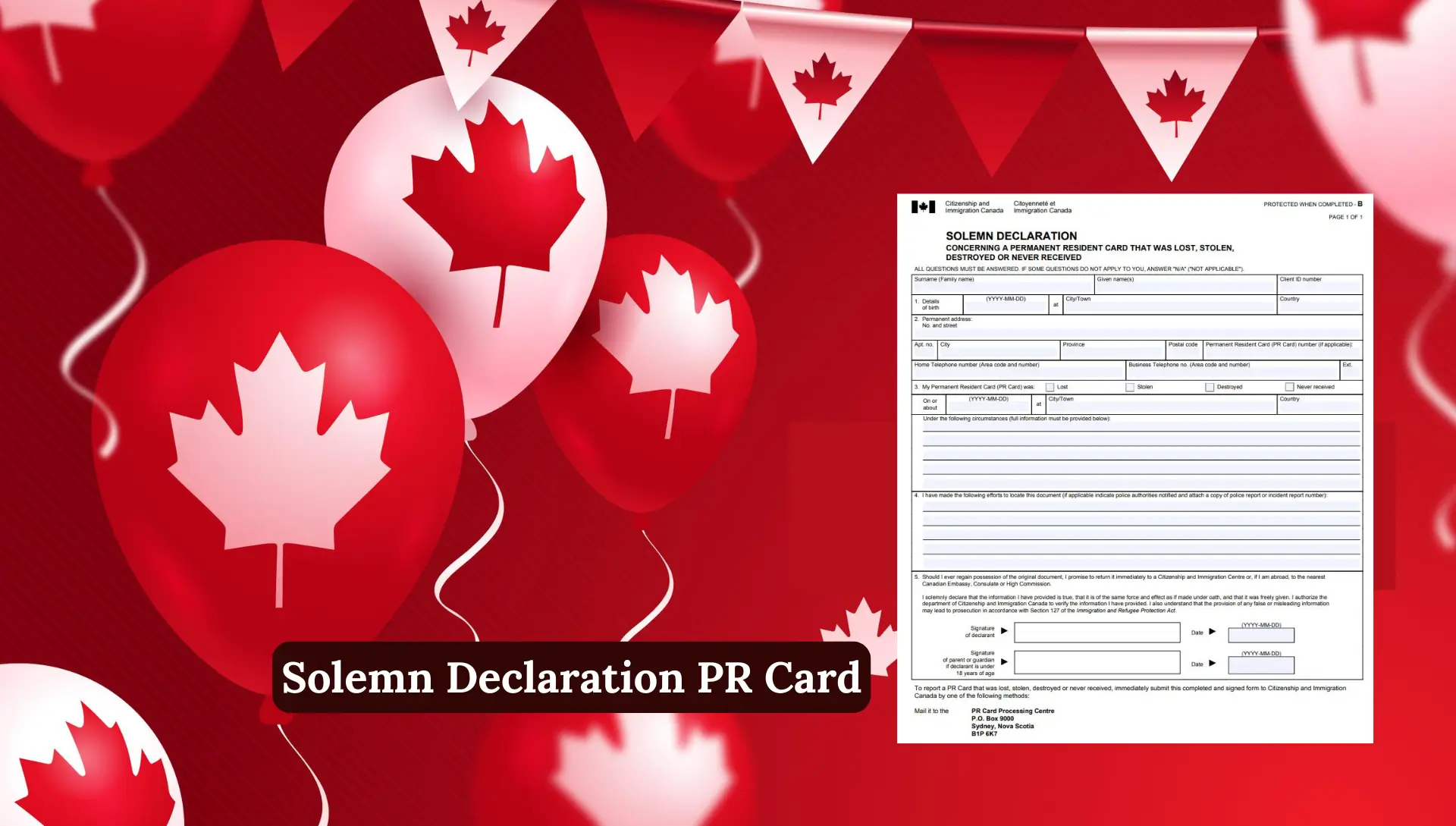
If your PR card is lost, stolen, or damaged, you must apply for a replacement immediately.
- Download the Application for a Permanent Resident Card (IMM 5444).
- Select “Replacement” as the reason for application.
- Attach all required documents, including:
- Copy of lost card (if available)
- Police report (if stolen)
- Two photos
- Fee payment receipt
- Submit the application online or by mail.
You can track this replacement the same way by checking your PR card status on the IRCC website.
Common Reasons for PR Card Delays
- Missing documents or photo requirements.
- Incorrect mailing address.
- High volume of applications.
- Security or background checks pending.
- COVID-related backlogs or holiday closures.
If you fix the underlying issue promptly, your card will be processed without further delay.
PR Card Status Processing Times
| Application Type | Average Processing Time |
|---|---|
| New PR Card (After Landing) | 60–90 days |
| PR Card Renewal | 40–60 days |
| Replacement (Damaged or Lost) | 60–75 days |
| Urgent Request | 7–14 days (if approved) |
Note: Always track your status regularly to avoid unexpected travel delays.

Tips to Avoid PR Card Application Problems
To make sure your PR card application goes smoothly, keep these tips in mind:
- Always use accurate personal details (as per your passport and COPR).
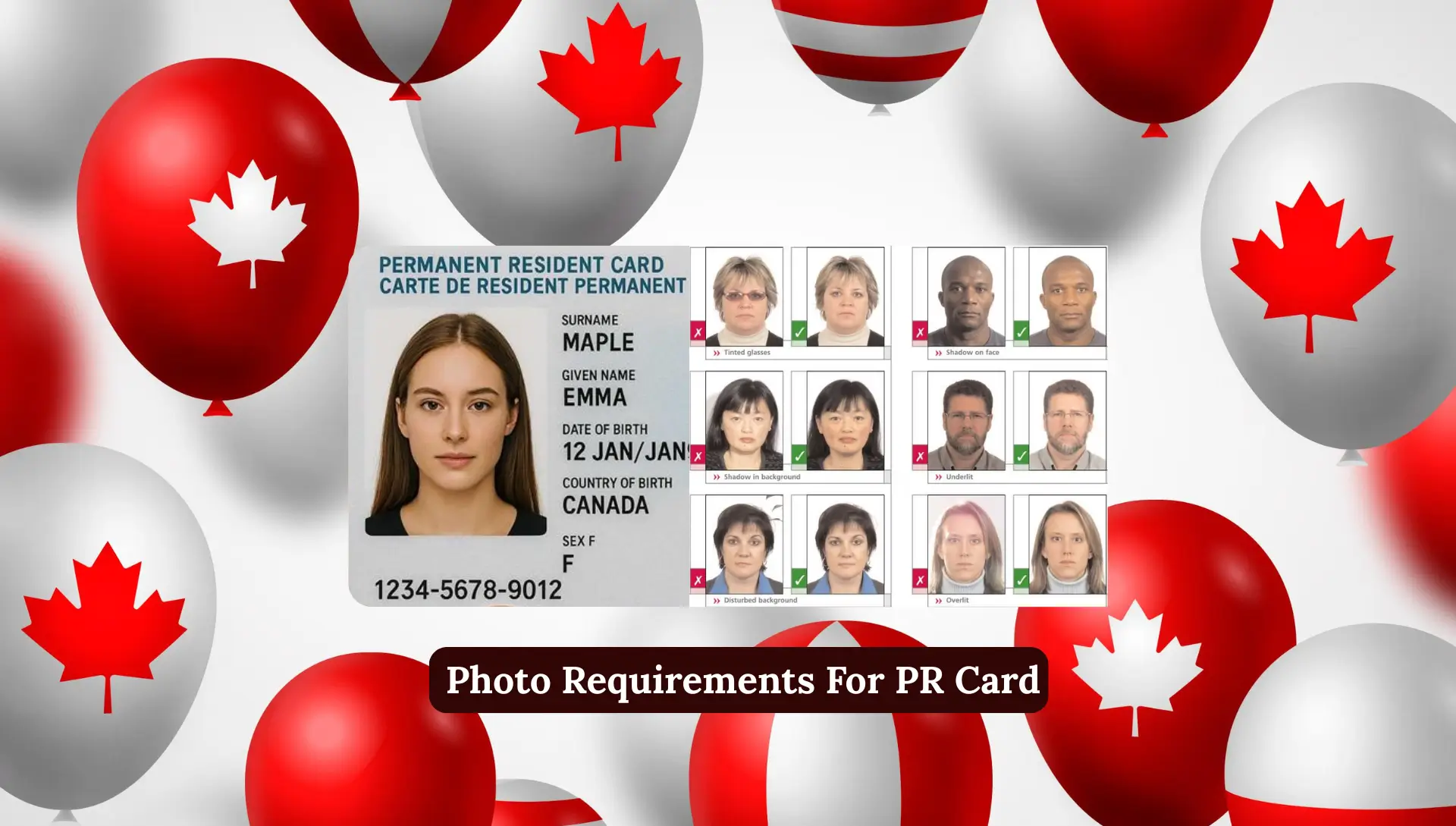
- Ensure your photo meets IRCC standards.
- Double-check your mailing address in Canada.
- Keep copies of all submitted documents.
- Monitor your email regularly for updates from IRCC.
- Don’t book international travel until your PR card is received.
FAQs About PR Card Status Check
How can I check my PR Card status online?
Visit the IRCC website, select “PR Card” under “Check Application Status,” and enter your UCI number and personal details.
How long does it take to get a PR Card after landing in Canada?
Usually 60–90 days, but processing times can vary based on volume and verification.
What if my PR Card application is pending for months?
Submit a Web Form enquiry or call IRCC for an update. Sometimes photo re-submission or address confirmation is required.
Can I travel without a PR Card?
If you travel outside Canada without a valid PR Card, you must apply for a Permanent Resident Travel Document (PRTD) to return.
How do I renew my PR Card if it expires?
Apply online through the IRCC portal, upload a new photo and supporting documents, pay the fee, and track your status.
Conclusion
Checking your PR card status is a simple but essential part of maintaining your legal residency in Canada. Whether you are waiting for your first PR card, renewing it, or replacing a lost one, the official IRCC website offers quick and accurate updates.
If you face delays, don’t worry just stay proactive, track your status online, or contact IRCC directly for clarification.