Photo Requirements For PR Card 2027: A Complete Guide to PR Card Digital Photo Specifications, Scanning Rules And IRCC Standards
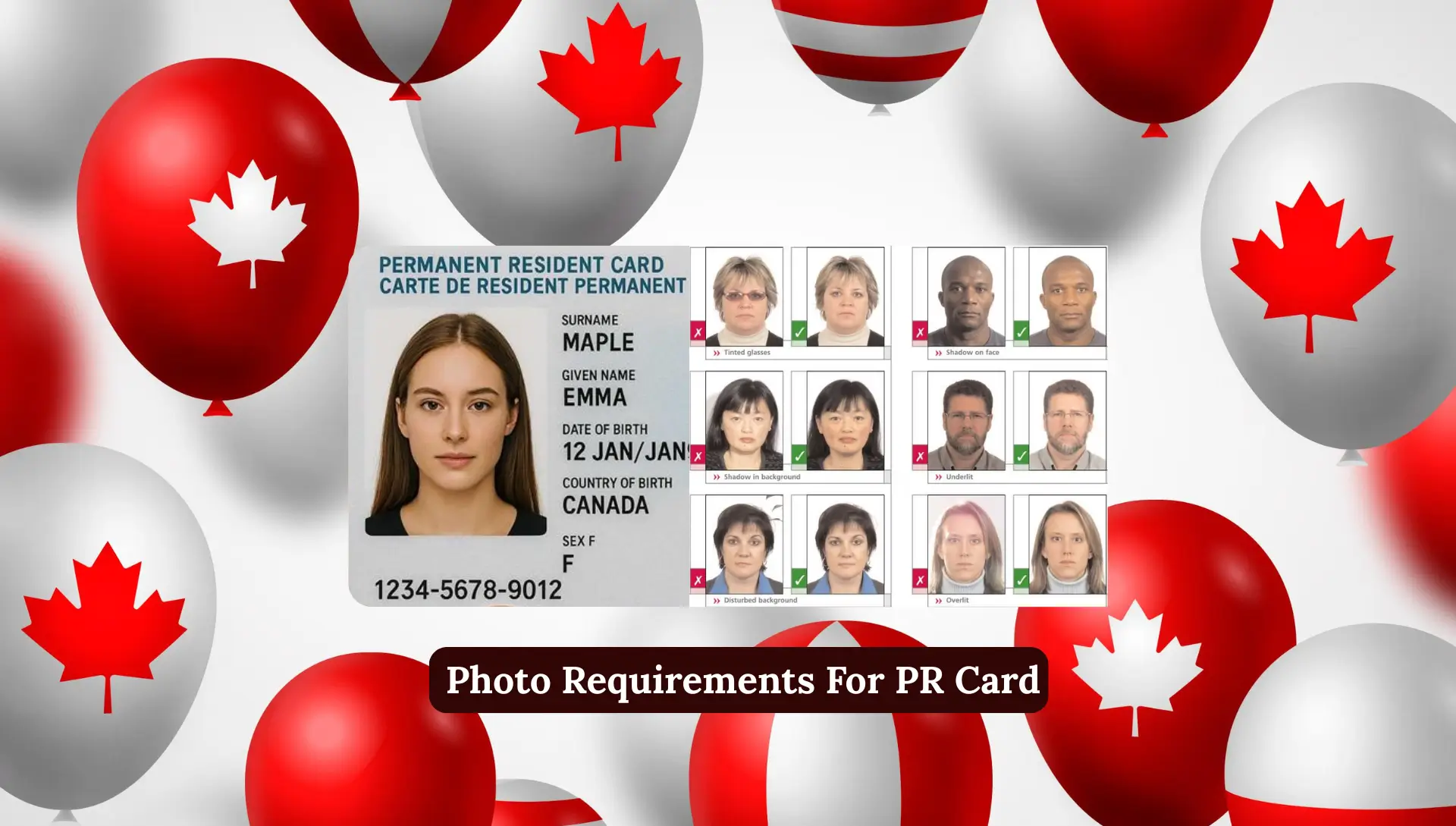
Photo Requirements For PR Card. Getting your Permanent Resident (PR) card is one of the most important steps for newcomers in Canada and one small mistake can delay the entire process: your PR card photo.
IRCC has very strict rules for photo size, posture, quality, and background. If your photo does not meet these guidelines, your PR application or renewal can be delayed for weeks.
In this detailed guide, I will explain every photo requirement for PR cards simply so you can take the correct photo the first time. Whether you’re submitting a digital photo, a printed photo, or scanning your existing professional photo, this article covers everything.
Let’s start with the basics.
What Are PR Card Photo Requirements?
PR card photo requirements are official rules set by IRCC to make sure everyone submits a clear, standardized photo that accurately represents their current appearance. You must follow these rules whether you are:
- Applying for a new PR card
- Renewing your PR card
- Replacing a lost PR card
- Applying for permanent residence online
These rules cover:
- PR photo size
- Head size
- Background color
- Facial expression
- Digital photo format
- Printed photo specifications
- Scanning instructions
- Upload guidelines
Small errors can lead to rejection, so understanding each rule is important.
PR Card Digital Photo Specifications
When applying online through the Permanent Residence Portal, you need one digital photo. IRCC has clear specifications for digital submissions.
Required Digital Photo Dimensions
- Width: 715 to 2000 pixels
- Height: 1000 to 2800 pixels
- File size: Maximum 4 MB
- File format: JPEG or JPG
Your photo will not be accepted if it is blurry, too bright, or incorrectly sized.
Image Quality Requirements
The quality of your digital PR photo must be:
Clear and Sharp
- No blurriness, overexposure, or poor focus.
Good Lighting
- No shadows on face or background.
Color or Black & White
- Both are allowed, but most people prefer color.
White Background
Your background must be:
- Plain
- Bright white
- Without texture or shadows
Avoid wearing white clothes or white religious head coverings, as this may blend with the background.
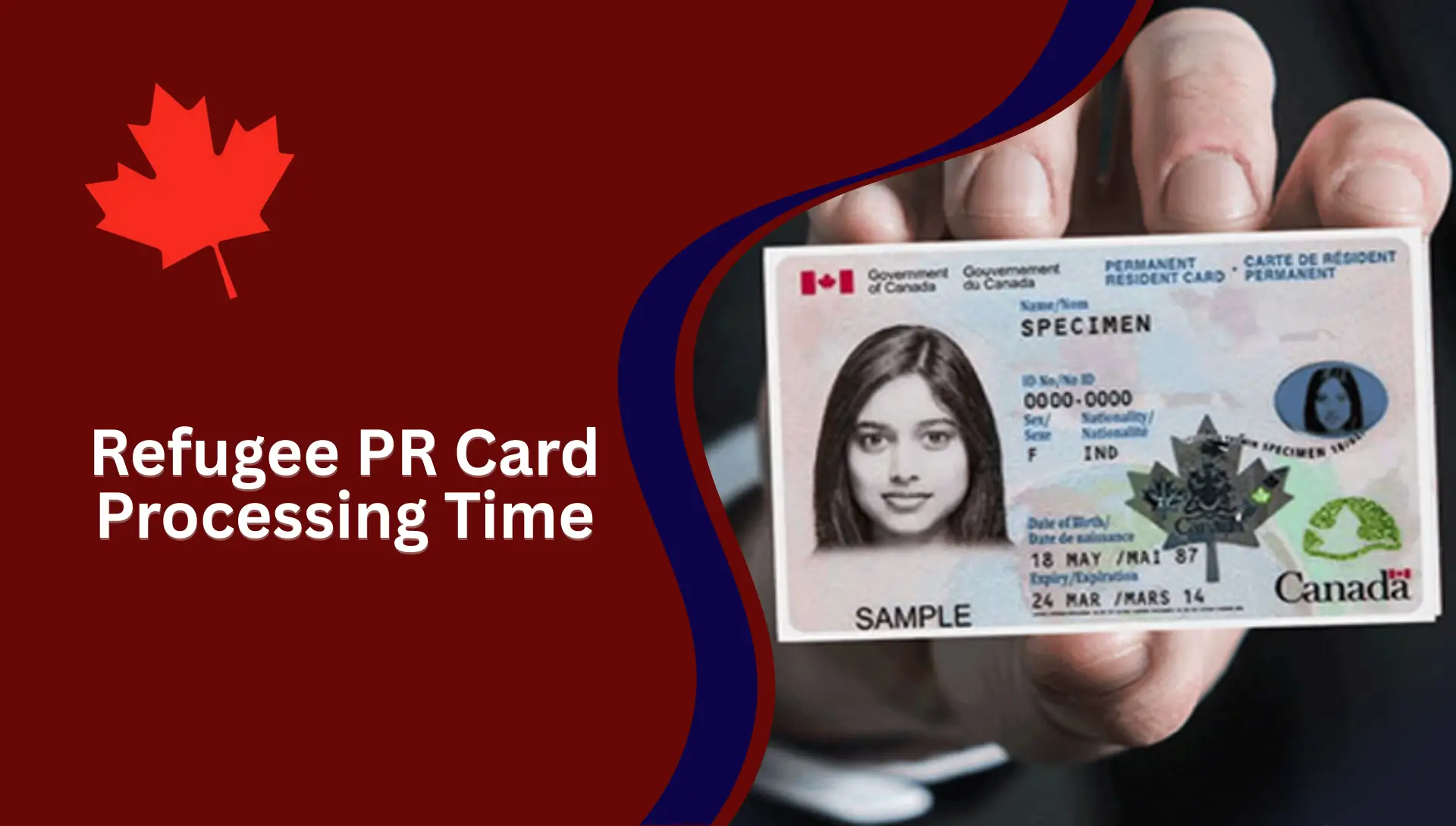
Facial Expression and Appearance Rules
IRCC requires a very specific pose for PR photos:
- Neutral expression
- Mouth closed
- Eyes open
- Face looking straight at the camera
- Shoulders square and centered
Your photo must reflect your current appearance and be taken within 12 months of applying.
Accessories, Glasses, Headwear Rules
PR photos follow strict guidelines:
Glasses
Allowed only if:
- Eyes are clearly visible
- No glare
- No tinted glasses
Head Covering
Allowed for religious or medical reasons, but must:
- Not cast shadows
- Show full face outline
- Keep ears visible
Hair
Should not cover your eyes or face edges. IRCC recommends removing:
- Facial jewelry
- Bulky clothing
- Light-colored headscarves (only if they blend with background)
PR Card Printed Photo Specifications (Paper Applications)
If applying by mail, you must send two identical printed photos.
Printed Photo Size
- 50 mm x 70 mm (2 inches x 2¾ inches)
Head Size
From chin to crown must be:
- 31 mm to 36 mm
Printed photos must be professionally printed. Photos printed at home on regular paper will be rejected.
Information Required on the Back of Printed Photos
The back of one printed photo must have:
- Full name
- Date of birth
- Photographer’s studio name
- Complete address
- Date photo was taken
IRCC does not accept sticker labels. The photographer must handwrite or stamp the details.
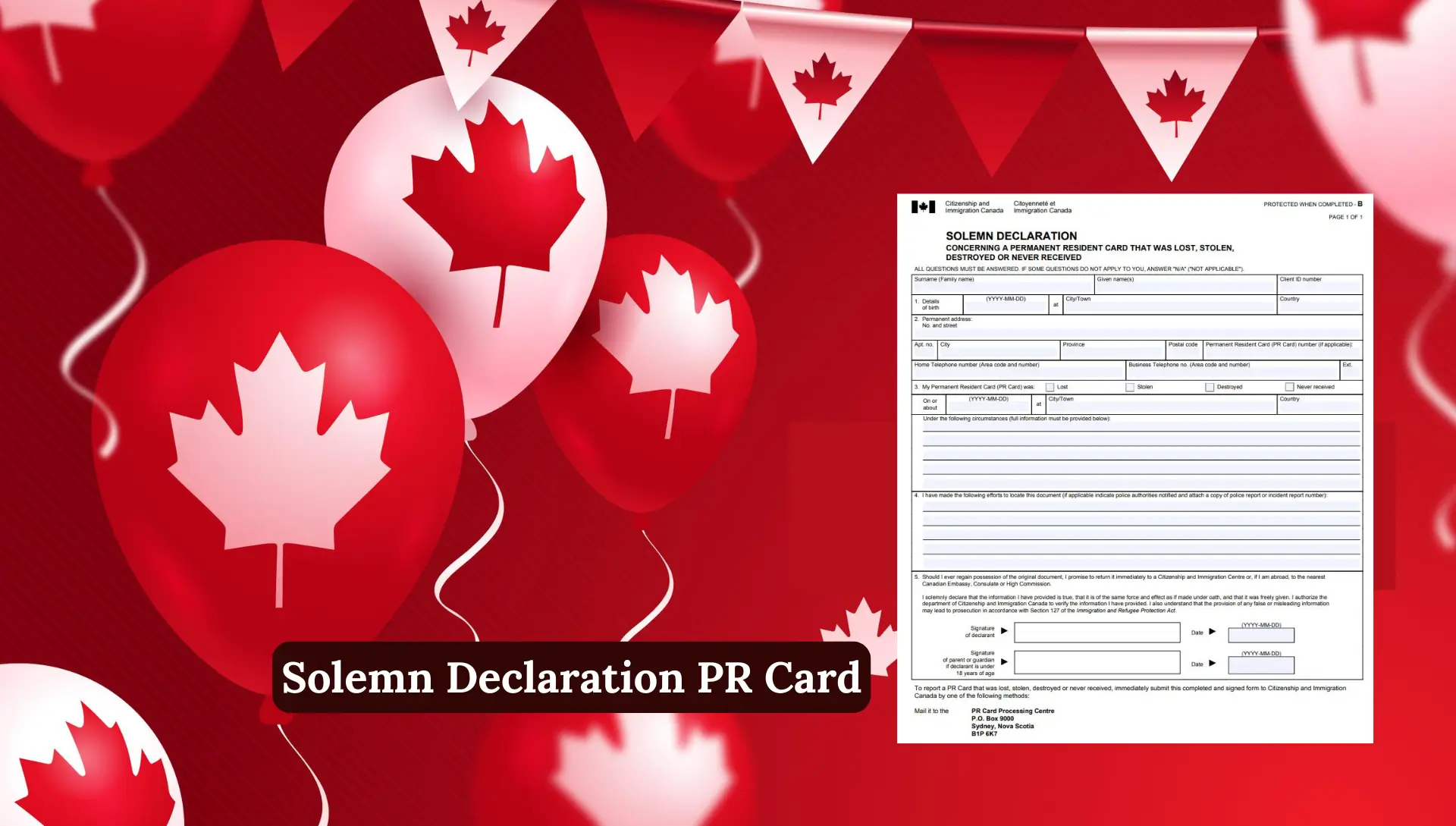
How to Scan Photo for PR Application (Digital Upload Guide)
If you have a printed professional photo but need to upload it digitally, here is the proper method:
Step 1: Use a High-Quality Scanner
You may use:
- A professional flatbed scanner
- A scanning app installed on your phone
- A scanner at your local library or store
Step 2: Scan at 600 DPI or Higher
This ensures the image does not lose quality.
Step 3: Save as JPEG/JPG
Other formats like PNG or PDF will not be accepted.
Step 4: Crop the Photo Correctly
Do not include extra space around edges.
Step 5: Make Sure File Size Is Under 4 MB
Important Note
IRCC does NOT accept:
- Pictures of printed photos taken with your mobile camera
- Low-resolution scans
- Altered or edited images
IRCC Photo Specifications PDF Explained
IRCC provides an official photo specifications PDF for PR applications. It explains:
- Photo size
- Head size
- Background rules
- Facial expression
- Image quality
- Acceptable vs unacceptable examples
The PDF is used by professional photographers in Canada and abroad to ensure your photo meets IRCC standards.
PR Card Photograph Specifications PDF
Common Reasons IRCC Rejects PR Photos
Below are the most common mistakes applicants make:
- Shadows on background
- Wrong photo size
- Heads too small or too large
- Poor lighting
- Wearing white clothes
- Low-quality scan
- Cropped too tightly
- Using selfies
- Smiling or tilting head
- Photo older than 12 months
Always double-check before submitting.
Back-of-Photo Requirements for Digital Upload
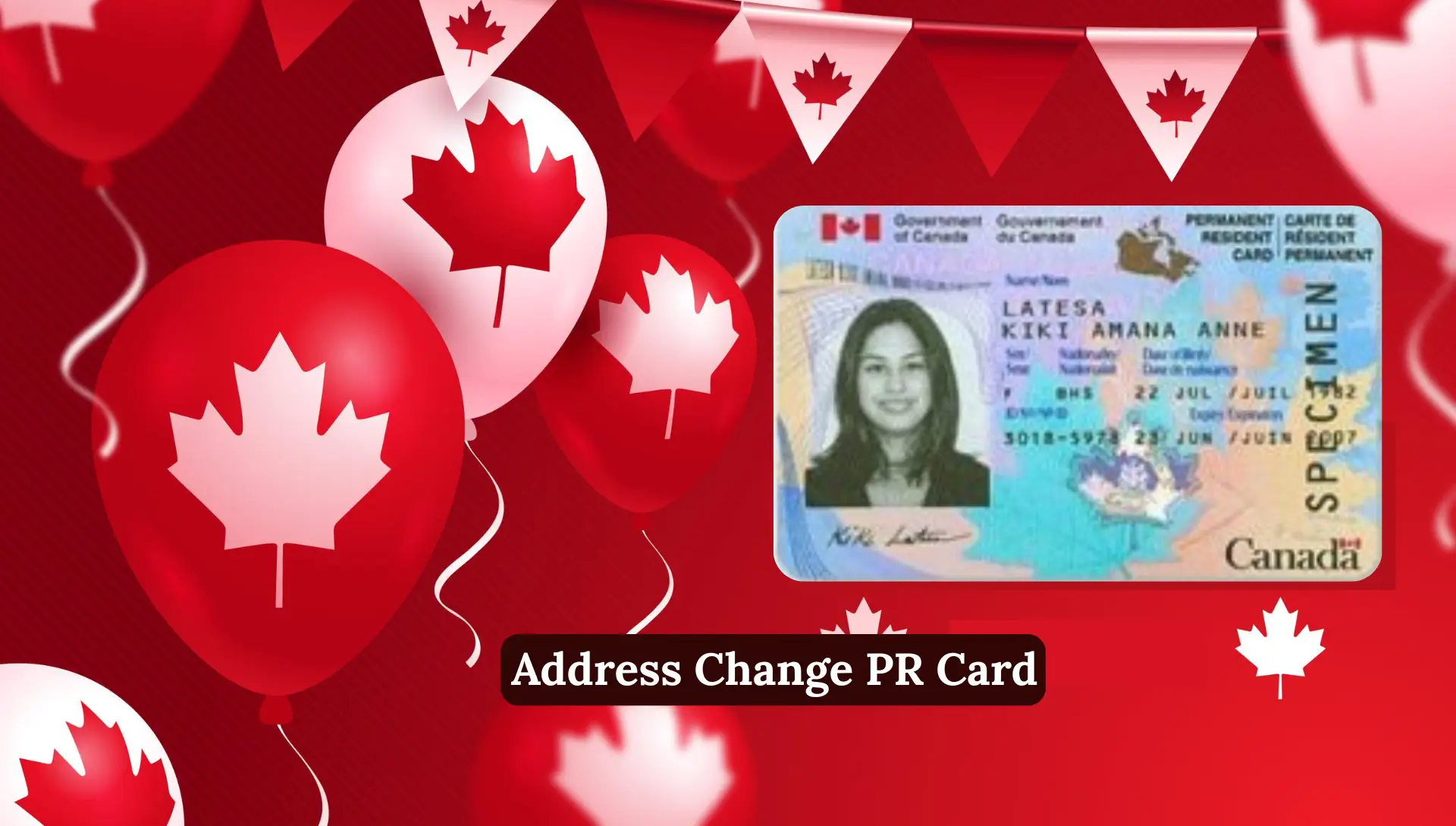
You must upload a document containing:
- Name of the person
- Date of birth
- Date photo was taken
- Studio name and address
- Receipt or confirmation from photographer
This information normally appears on the back of printed photos, but for digital photos, upload it as a separate file.
PR Card Renewal Photo Requirements
PR card renewal photos follow the same rules, but with extra considerations:
Must Be Taken Within the Last 12 Months
Old or outdated photos cause rejection.
Must Reflect Current Appearance
If you changed significantly since your last PR, take a new photo.
Follow Standard Digital or Printed Specs
Depending on application method.
Avoid Altered or Filtered Photos
No retouching, smoothing, softening, or editing.
Child Photo Requirements for PR Cards
IRCC has additional rules for babies and children.
Photo Must Not Show
- Parent’s hands
- Child’s hands
- Hair accessories
Babies’ Photos
- Can be taken while sitting in a car seat
- Use a white blanket behind the head
- Minor facial variations allowed
Head and Shoulders Only
Full body is not allowed.
Medical Considerations
IRCC allows exceptions in special cases.
If in a Wheelchair
Use a:
- Plain white blanket
- Neutral background
If Wearing Medical Headwear
Allowed but must:
- Keep eyes visible
- Avoid shadows
You may attach a signed explanation or doctor’s letter.
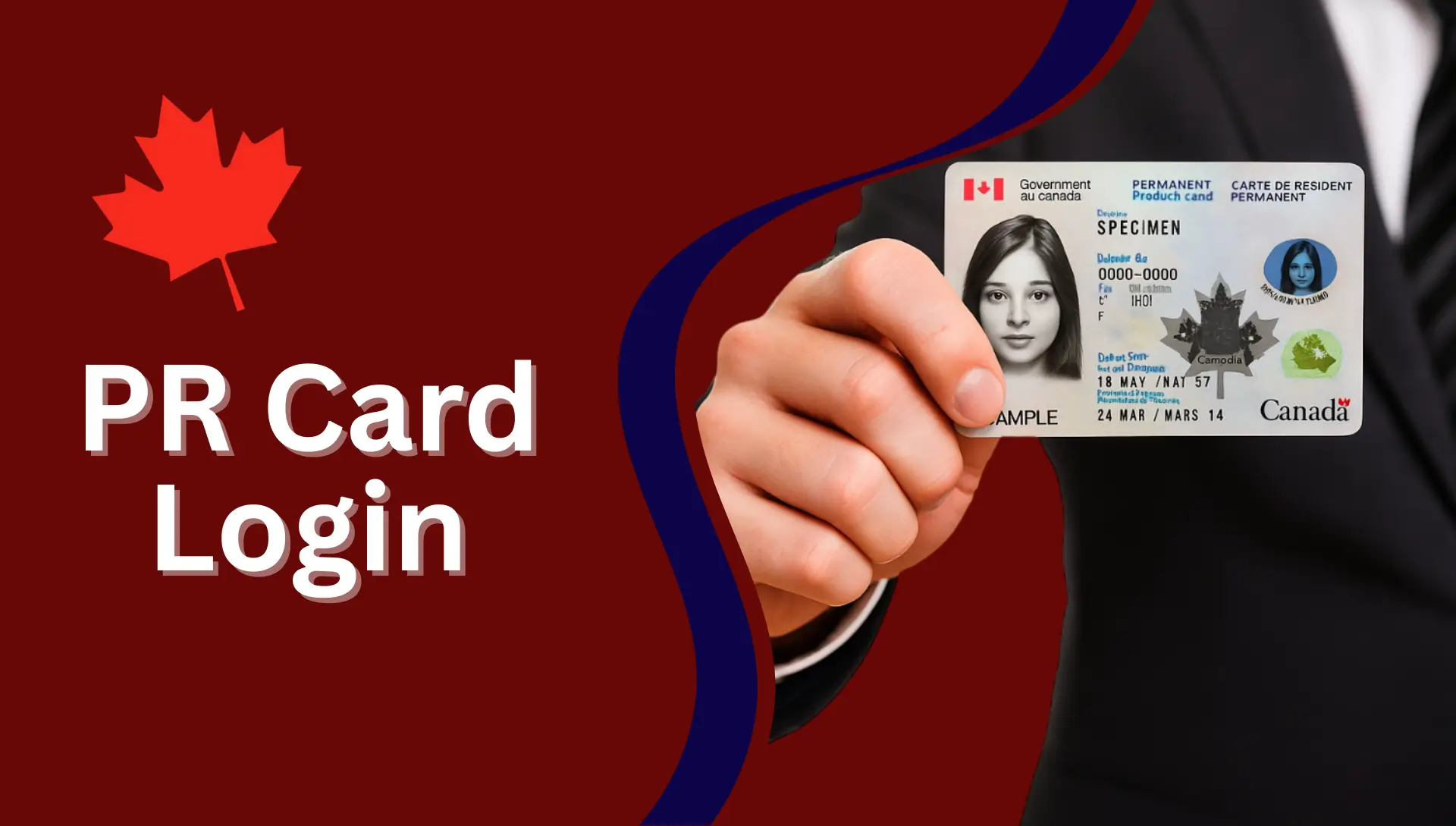
Common PR Photo Issues and How to Fix Them
Here are the most common problems faced by applicants:
1. “Add/Edit Photo Button is Greyed Out”
Fix:
- Reduce file size
- Change browser
- Clear cache
2. “Photo Turns Black and White After Upload”
This happens due to:
- Corrupted file
- Wrong format
Fix: - Re-save the image as JPEG
- Upload again
3. “Your Photo Is Being Validated…” Message
If it stays stuck:
- Refresh the page
- Try a different browser
- Re-upload image
4. Photo Rejected Due to Shadows
Retake the photo with better lighting.
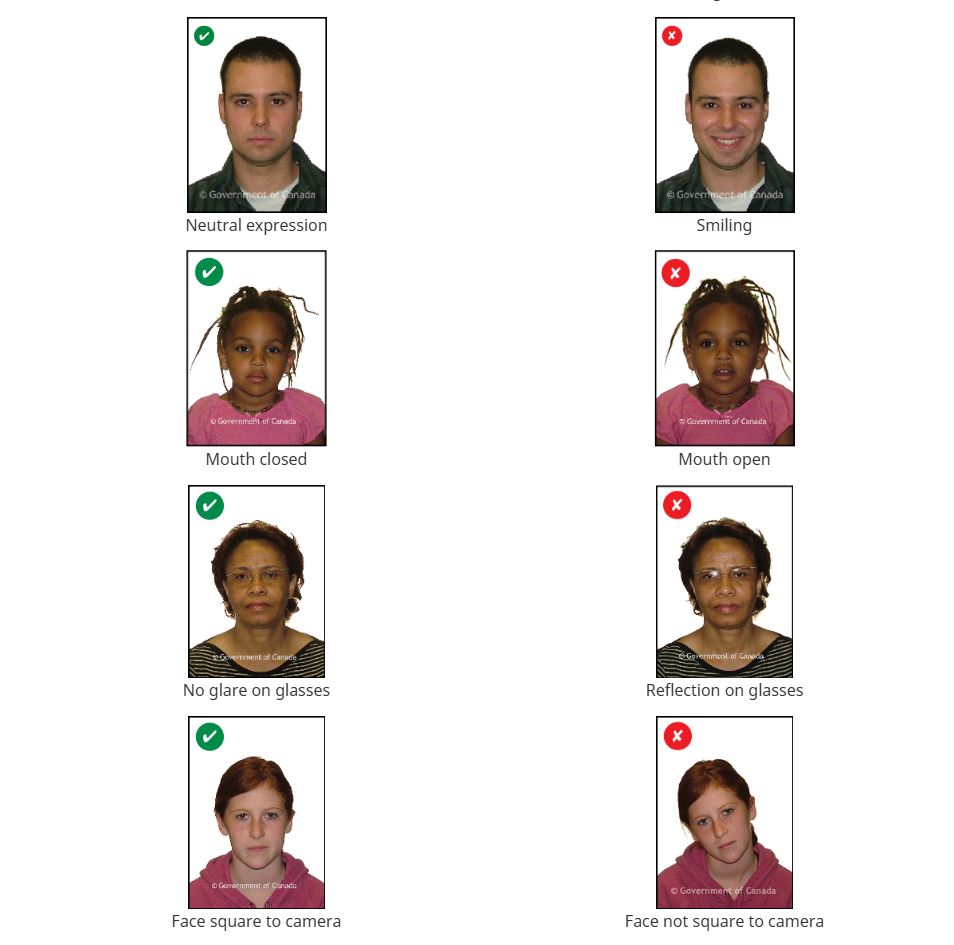
Examples of Acceptable PR Photos
An acceptable PR photo must be:
- Clear
- Sharp
- Neutral expression
- White background
- Correct head size
- No shadows
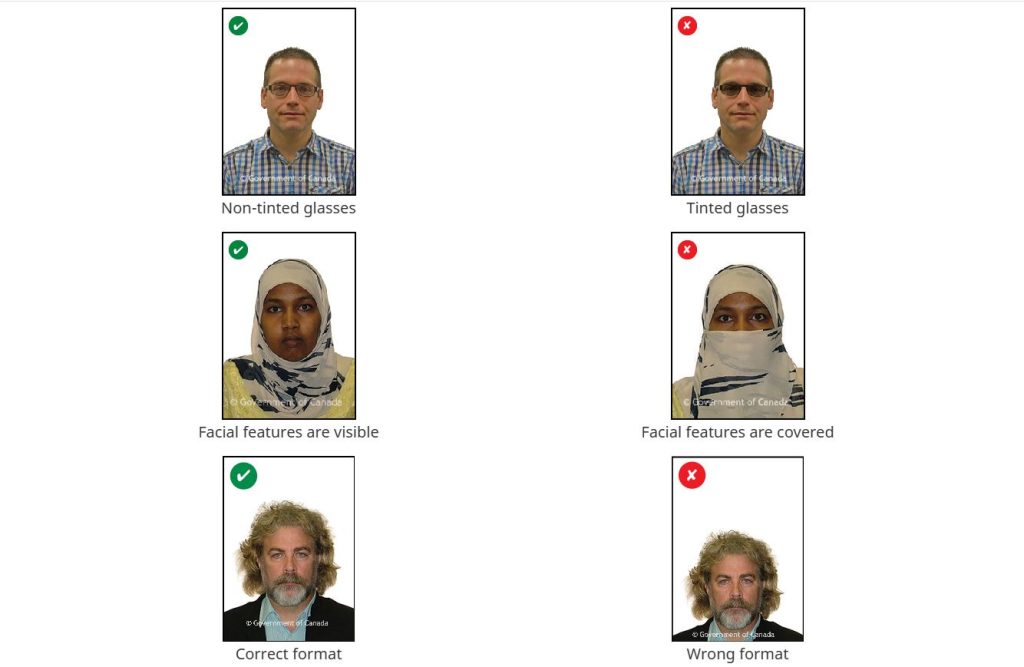
Examples of Unacceptable Photos
An unacceptable PR photo must be:
- Smiling
- Looking sideways
- Wearing sunglasses
- Head too small or too big
- Blurry
- Background not white
- Strong shadows
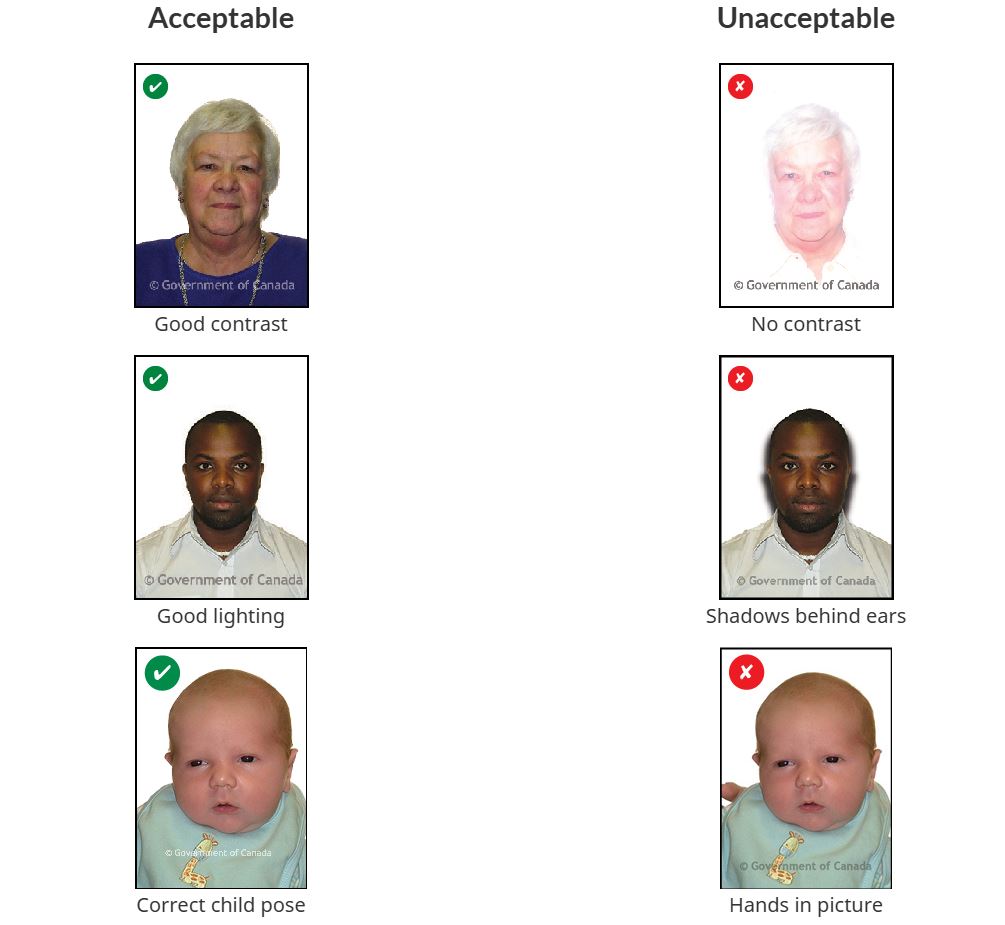
Why PR Card Photo Requirements Matter
Every year, thousands of PR card applications are returned because of incorrect photos. IRCC checks every tiny detail such as:
- Photo size
- File size
- Lighting
- Background
- Facial expression
- Head size
- Resolution
A small shadow, wrong dimensions, blurry image, or low-quality scan can lead to rejection.
Tips to Take the Perfect PR Card Photo
Here are easy tips to avoid rejection:
- Stand 1–2 meters away from background
- Use soft natural lighting
- Keep hair tied back
- Avoid white shirts
- Avoid filters
- Keep shoulders straight
- Look directly at camera
- Take multiple shots and choose the best
PR Card Photo Checklist
Digital Photo
- JPEG/JPG
- Max 4 MB
- 715 × 1000 to 2000 × 2800 pixels
- No shadows
- Neutral expression
Printed Photo
- 50 mm × 70 mm
- Head size 31–36 mm
- Back must include name, DOB, studio info
Renewal Photos
- Taken within 12 months
- Must show current appearance
Children
- No hands visible
- Plain background
- Head and shoulders only
Medical Conditions
- Headwear allowed
- Explanation recommended
Quick Specification Table (Digital + Printed)
| Requirement | Digital | Printed |
|---|---|---|
| Photo Size | 715–2000 px (min) | 50 mm × 70 mm |
| Head Size | Fit natural proportions | 31–36 mm |
| File Size | Max 4 MB | Not applicable |
| Colour | Colour/B&W | Colour/B&W |
| Format | JPG/JPEG | Printed on photo paper |
| Background | White | White |
| Expression | Neutral | Neutral |
| Age | Within 12 months | Within 12 months |
| Number Needed | 1 | 2 identical |
FAQs About PR Card Photo Requirements
What is the required PR card photo size in Canada?
The printed PR photo must be 50 mm x 70 mm. The head size should be between 31 mm and 36 mm from chin to crown.
What are the digital PR photo specifications for online applications?
Digital photos must be JPG/JPEG, between 715 × 1000 and 2000 × 2800 pixels, and less than 4 MB in size.
Can I take my PR card photo at home?
IRCC recommends using a professional photographer, but you can take your own digital photo if it meets all quality, size, and background rules. Avoid phone-taken pictures of printed photos.
Can I smile in my PR card photo?
No. You must have a neutral expression, with eyes open and mouth closed.
Are glasses allowed in PR card photos?
Yes, but only if:
✔ Eyes are fully visible
✔ No glare or reflection
✔ No tinted lenses
What information should be written on the back of printed PR photos?
One printed photo must show:
✔ Your full name
✔ Date of birth
✔ Studio name & address
✔ Date photo was taken
How do I scan a PR photo for online submission?
Scan at 600 DPI or higher, save as JPEG/JPG, crop properly, and ensure the file is under 4 MB. Do NOT take a picture of a printed photo using your phone.
What are the PR card renewal photo requirements?
Renewal photos must be:
✔ Taken within the last 12 months
✔ Clear, sharp, and unedited
✔ Correct size and background
✔ Matching current appearance
Conclusion
Your PR card photo might look like a small detail, but it plays a major role in your application. A simple mistake wrong size, wrong background, wrong expression can delay your PR card for weeks or even months. By following these clear guidelines, you can submit a perfect PR photo that matches IRCC requirements.