PR Card Photo Rejected 2026: Timeline, Reasons And What to Do After Photo Resubmission
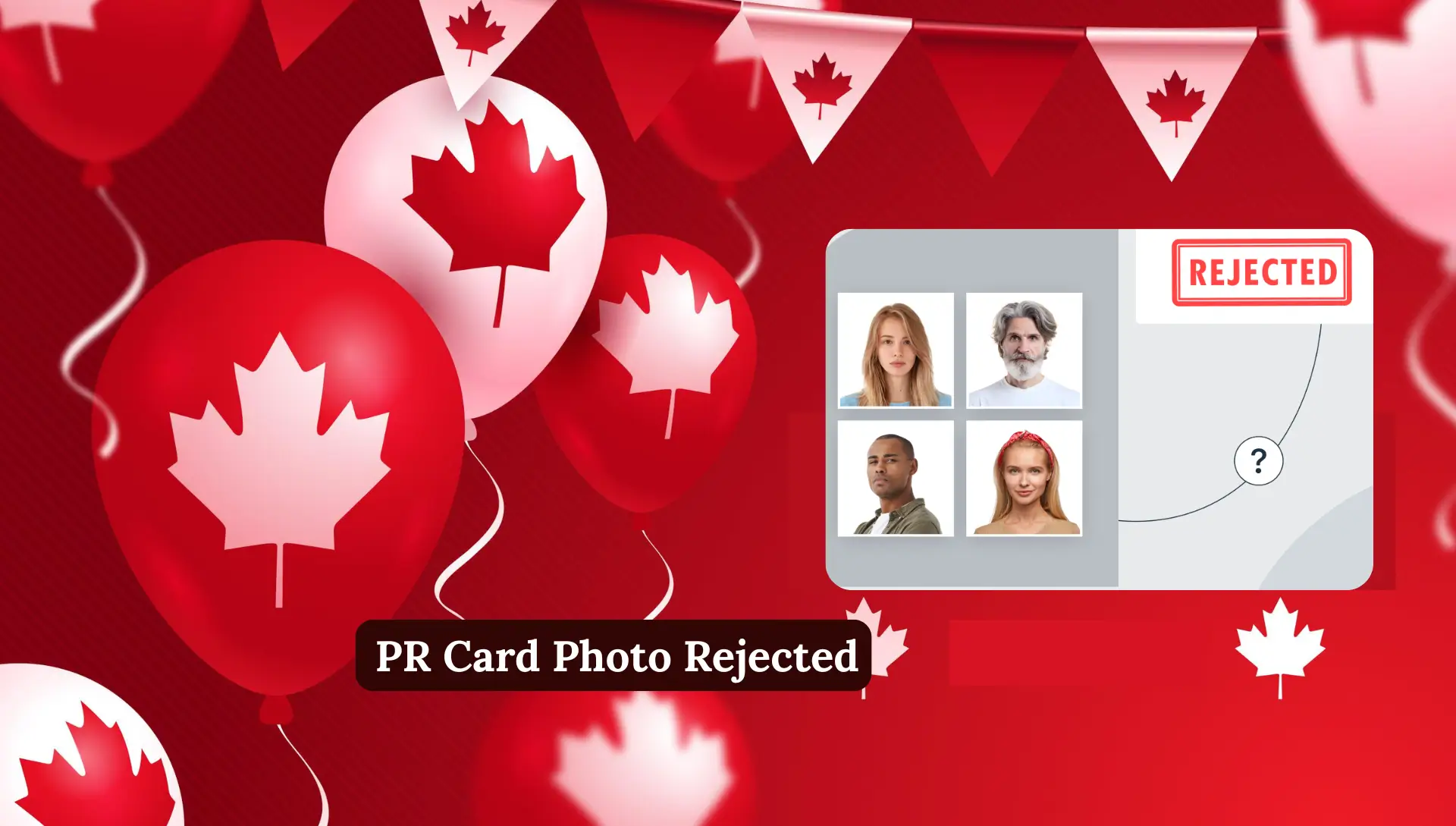
PR Card Photo Rejected 2026. Getting your PR card photo rejected can be stressful and confusing for many applicants. This usually happens when the submitted photo does not meet the strict IRCC requirements, including correct photo size, face dimensions, background, lighting, and facial expression. A rejected photo does not affect your PR status, but it can delay your PR card processing until the original photo is accepted. Understanding the timeline after resubmission, following digital and printed photo specifications, avoiding common mistakes, and paying attention to child photos and medical considerations is essential.
This guide explains everything about PR card photo rejection, how to resubmit your photo correctly, and tips to get it approved quickly.
What Does “PR Card Photo Rejected” Mean?
When IRCC (Immigration, Refugees and Citizenship Canada) reviews your PR card application, they carefully check your photo. If the photo does not meet official requirements, it gets rejected.
A rejected photo does not mean your PR status is rejected. It only means IRCC needs a new photo that follows their rules.
Most people receive a message in their PR portal asking them to upload a new photograph.
PR Card Photo Rejected but Mailing Address Shows “Ready to Submit to IRCC”
This situation confuses many applicants.
Here is what it means:
- Your PR application is approved
- Your eCOPR is issued
- IRCC is preparing your physical PR card
- Only the photo does not meet standards
Even if your mailing address says “Ready to submit to IRCC”, IRCC cannot print your PR card until your photo is accepted.
So yes, your application is safe only the photo is pending.
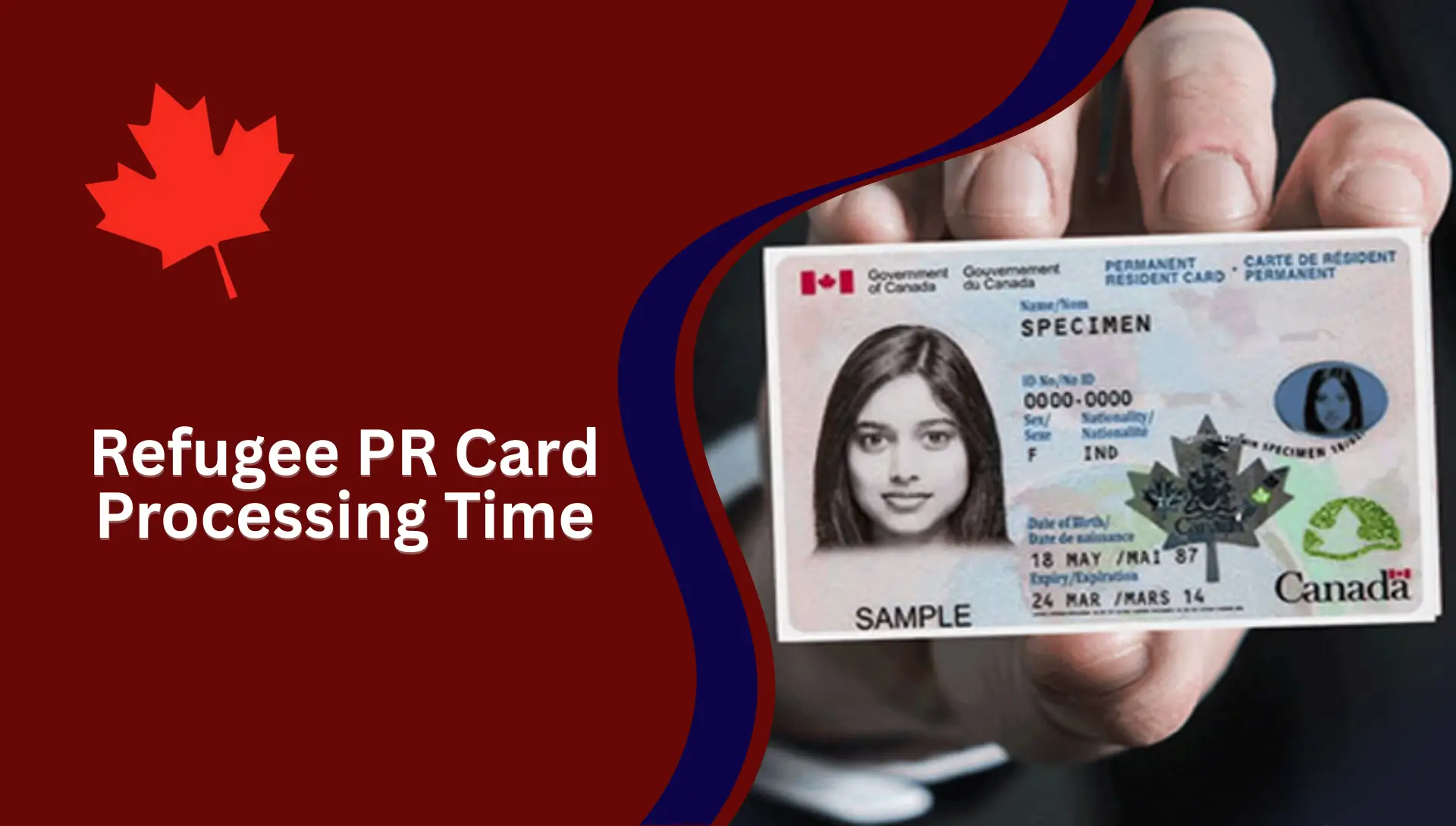
PR Card Photo Rejected Timeline After Resubmission
How Long Does IRCC Take to Accept a Resubmitted Photo?
Based on multiple cases I have reviewed, the timeline usually looks like this:
- Photo resubmission review: 2 to 6 weeks
- PR card printing after approval: 2 to 4 weeks
- PR card delivery: 1 to 3 weeks
Will IRCC Take Another Month and a Half?
In some cases, yes.
If IRCC has a backlog, photo approval alone can take 4 to 8 weeks. However, many applicants get approval sooner if:
- The new photo follows all rules
- The image quality is high
- No technical issues exist
The key is uploading a perfect photo the second time.
Digital Photo Requirements (Online Applications)
Number of Digital Photos You Need
For online PR applications, IRCC requires:
- One (1) digital photo per applicant
Digital Photo Specifications
Your digital photo must meet exact technical standards.
Format and Size
- File format: JPEG or JPG
- Minimum size: 420 x 540 pixels
- Maximum file size: 4 MB
- Color: Color photo only
Image Quality
- Sharp and clear
- No blur or grain
- Natural skin tones
- No filters or edits
Facial Expression and Appearance
- Neutral expression
- Mouth closed
- Eyes open and clearly visible
- Face square to the camera
- Head straight, not tilted
Back of Photo: Information to Include (If Required)
For some applications, IRCC may ask for:
- Applicant’s name
- Date photo was taken
- Photographer’s studio name and address
For online uploads, this is usually not required unless specifically asked.
Help With Common Issues Uploading Your Photo
If your photo fails to upload:
- Check file size
- Rename file (avoid special characters)
- Upload JPG instead of PNG
- Use a stable internet connection
Additional Instructions for Child Photos
- Child must be alone in the photo
- No hands or toys visible
- Eyes open if possible
- Neutral background
Medical Considerations
If you wear glasses for medical reasons:
- Glasses must be clear
- No glare
- Eyes fully visible
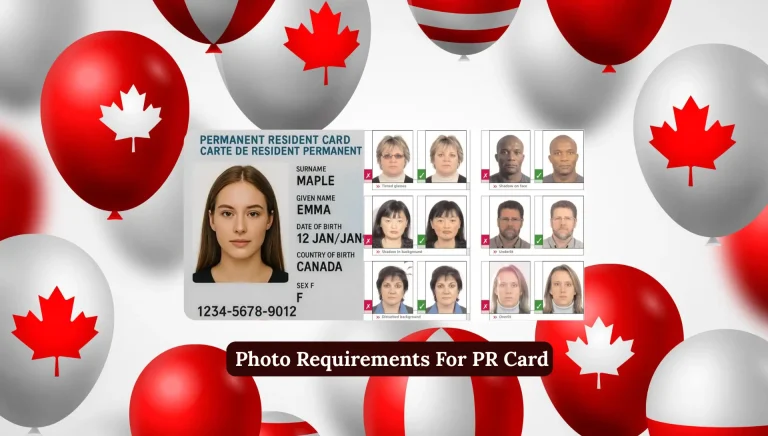
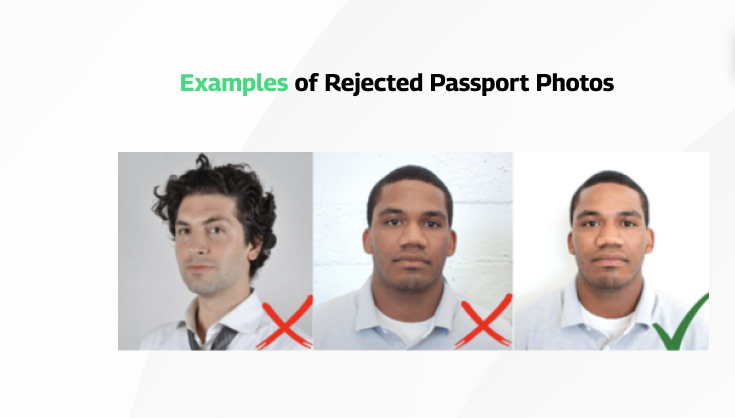
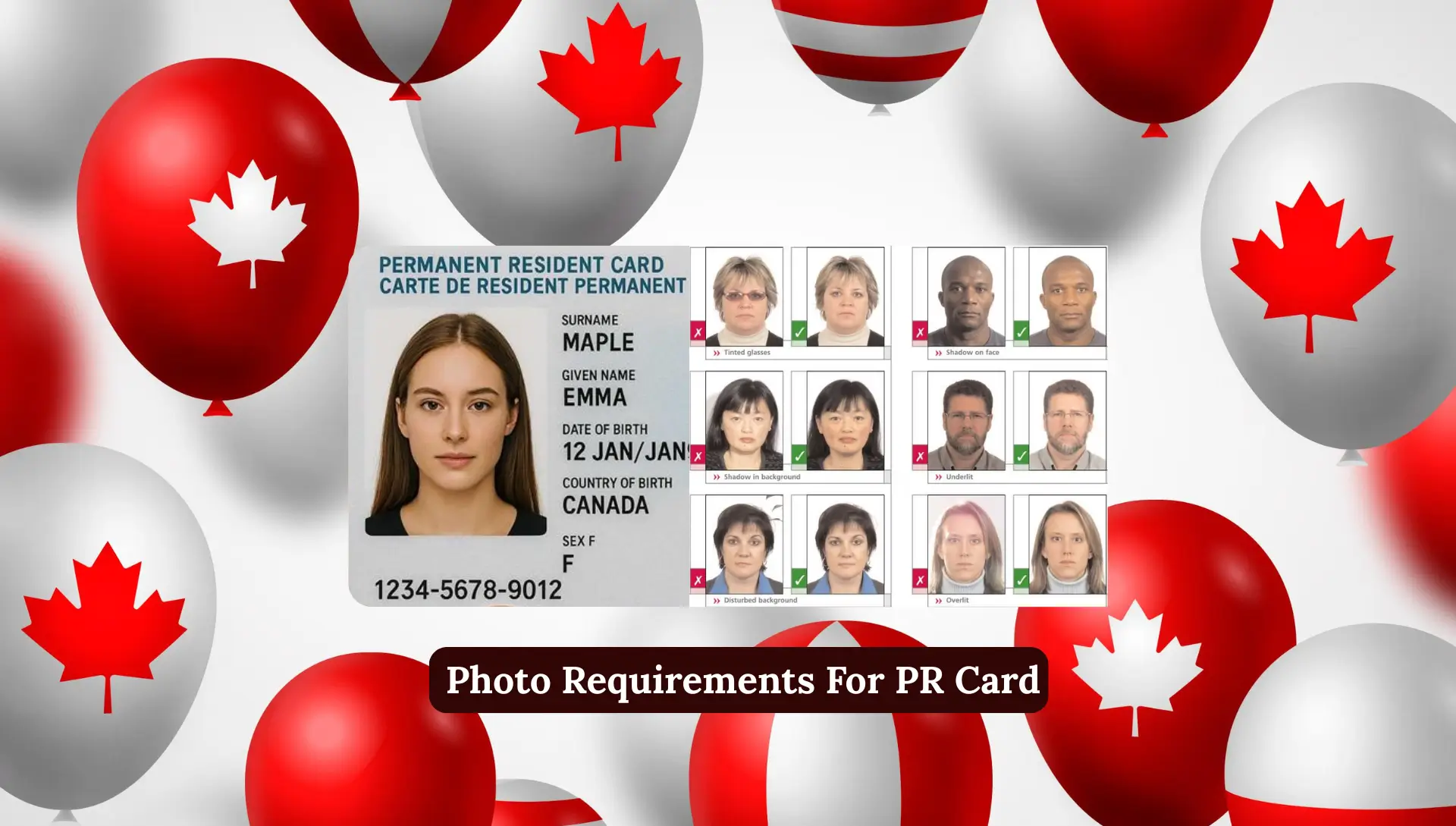
Examples of Acceptable and Unacceptable Photos (Digital)
These examples do not represent actual size but show quality issues.
Acceptable Photos Show:
- Good contrast
- Good lighting
- Neutral expression
- Facial features fully visible
- Correct format
- No glare on glasses
Unacceptable Photos Show:
- No contrast
- Shadows behind ears
- Smiling or mouth open
- Hands visible (child photos)
- Tinted glasses
- Facial features covered
- Wrong format
- Reflection on glasses
- Face not square to camera
Tips for Taking a Good Digital Photo
Make Sure:
- You stand 1 to 2 metres away from the background
- Lighting is even
- Face is fully visible
- Expression is neutral
Avoid:
- Dark or textured backgrounds
- Shadows
- Overexposure
- Smiling or frowning
- Sunglasses
- Red-eye effect
- Hair covering face
Printed Photo Requirements (Paper Applications)
If you are submitting printed photos, IRCC has separate rules.
Number of Photos You Need
- Two (2) identical printed photos
Photo Specifications
Dimensions and Head Size
- Photo size: 50 mm x 70 mm
- Face size (chin to crown): 31 mm to 36 mm
Image Quality
- Printed on glossy photo paper
- No damage or marks
- Clear and sharp
Facial Expression and Appearance
Same as digital photos:
- Neutral expression
- Mouth closed
- Eyes open
- No head tilt
Information to Include on the Back of the Photo
- Applicant’s full name
- Date of birth
- Date photo was taken
- Photographer’s name and address
Additional Instructions for Child Photos
- No support visible
- Plain background
- Correct head size
Medical Considerations
- Non-tinted glasses only
- No glare
- Eyes visible
Examples of Acceptable and Unacceptable Printed Photos
Acceptable:
- Correct head size
- Centered face
- Even lighting
- Plain background
Unacceptable:
- Head too big or too small
- Dark background
- Shadows
- Smiling
- Accessories covering face
Why Photo Accuracy Matters in PR Applications
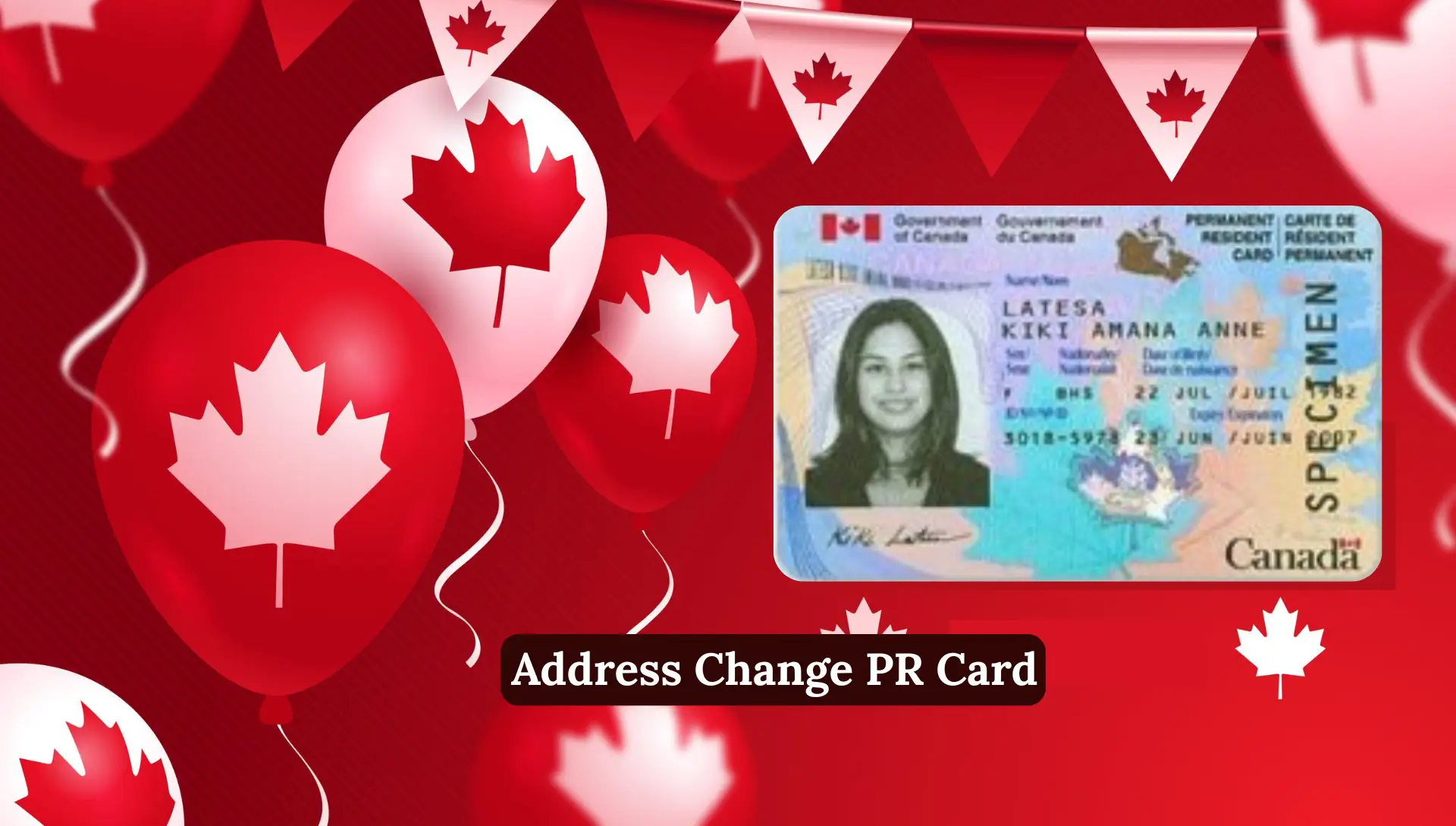
IRCC follows strict photo rules.
A small mistake can:
- Delay your PR card
- Cause stress
- Add months to processing time
Even tiny issues like shadows or wrong size can lead to rejection.
As someone deeply involved in information-based writing, I always advise applicants to take photo rules seriously.
Top 7 Reasons PR Photos Get Rejected
1. Incorrect Photo Size
PR photos must be exactly 50 mm x 70 mm.
Phone apps and booths often fail here.
2. Face Size Not Within Required Range
Face must be 31 mm to 36 mm.
Wrong framing causes rejection.
3. Wrong Background
Only plain white or light background is allowed.
4. Facial Expression Issues
- No smiling
- No frowning
- No squinting
Neutral means neutral.
5. Shadows or Poor Lighting
Uneven lighting is one of the top rejection reasons.
6. Low Print Quality or Damage
Blurry, grainy, or damaged photos are rejected instantly.
7. Old Photos (Older Than 6 Months)
Even a perfect old photo will be rejected.
How to Avoid PR Photo Rejection
From my experience, here’s what works best:
- Use a professional photo studio
- Confirm IRCC standards before clicking
- Ask for a photographer declaration if needed
- Review photo carefully before upload
PR Card After Photo Resubmission
Once you upload a new photo:
- IRCC reviews the image
- Photo status changes to accepted
- PR card goes to printing
- Card is mailed to your address
If the second photo is correct, no further action is needed.
Avoid Rejection and Save Time
A PR card photo might seem small, but it plays a big role.
One wrong photo can delay your card by months. Taking the time to follow IRCC rules can save stress, time, and frustration.
If your photo was rejected, don’t panic. Upload a perfect replacement, stay patient, and your PR card will arrive.
What Does “PR Card Photo Rejected” Mean?
FAQs About PR Card Photo Rejection
Why was my PR card photo rejected?
PR card photos are rejected if they do not meet IRCC requirements. Common issues include wrong size, poor lighting, shadows, facial expression not neutral, tinted glasses, or background not plain white/light.
How long does it take for IRCC to accept a resubmitted photo?
Typically, IRCC takes 2 to 6 weeks to review a resubmitted photo. If approved, the PR card is printed and mailed within 3 to 7 weeks. Processing may take longer if there is a backlog.
Can my PR card application be rejected if my photo is rejected?
No. A rejected photo does not affect your PR status. IRCC only needs a correct photo to complete your card processing.
How many digital photos are needed for a PR card application?
For online PR applications, only one digital photo per applicant is required.
What are the digital photo specifications for PR card applications?
Format: JPEG or JPG
Minimum size: 420 x 540 pixels
Maximum size: 4 MB
Color photo only
Neutral expression with eyes open
What are the printed photo requirements?
Two identical photos per applicant
Size: 50 mm x 70 mm
Head size: 31 mm – 36 mm
Plain white/light background
Glossy photo paper
Neutral facial expression
Can I take my PR card photo at home?
Yes, but only if you strictly follow IRCC rules. Using a professional studio is safer and reduces the chance of rejection.
Can children’s photos get rejected?
Yes, children’s photos can be rejected if:
Hands or toys are visible
Eyes are closed
Head not properly positioned
Background is not plain
What common mistakes cause photo rejection?
Wrong photo size or face size
Shadows or uneven lighting
Smiling, frowning, or tilting head
Glasses glare or tinted glasses
Face partially covered
What should I do if my photo gets rejected again?
Take a new photo following all IRCC guidelines
Use a professional photo studio
Double-check the file format, size, and clarity before uploading
Contact IRCC if there is a technical issue
Conclusion
Getting your PR card photo rejected can be stressful, but following IRCC’s rules ensures smooth approval. Photos must meet strict requirements for size, background, lighting, expression, and quality. Digital or printed, mistakes like shadows, smiling, tinted glass, or old photos cause delays. After resubmission, approval usually takes 2–6 weeks. Proper preparation, correct head size, neutral expression, and a plain background avoid rejection and speed up PR card processing.